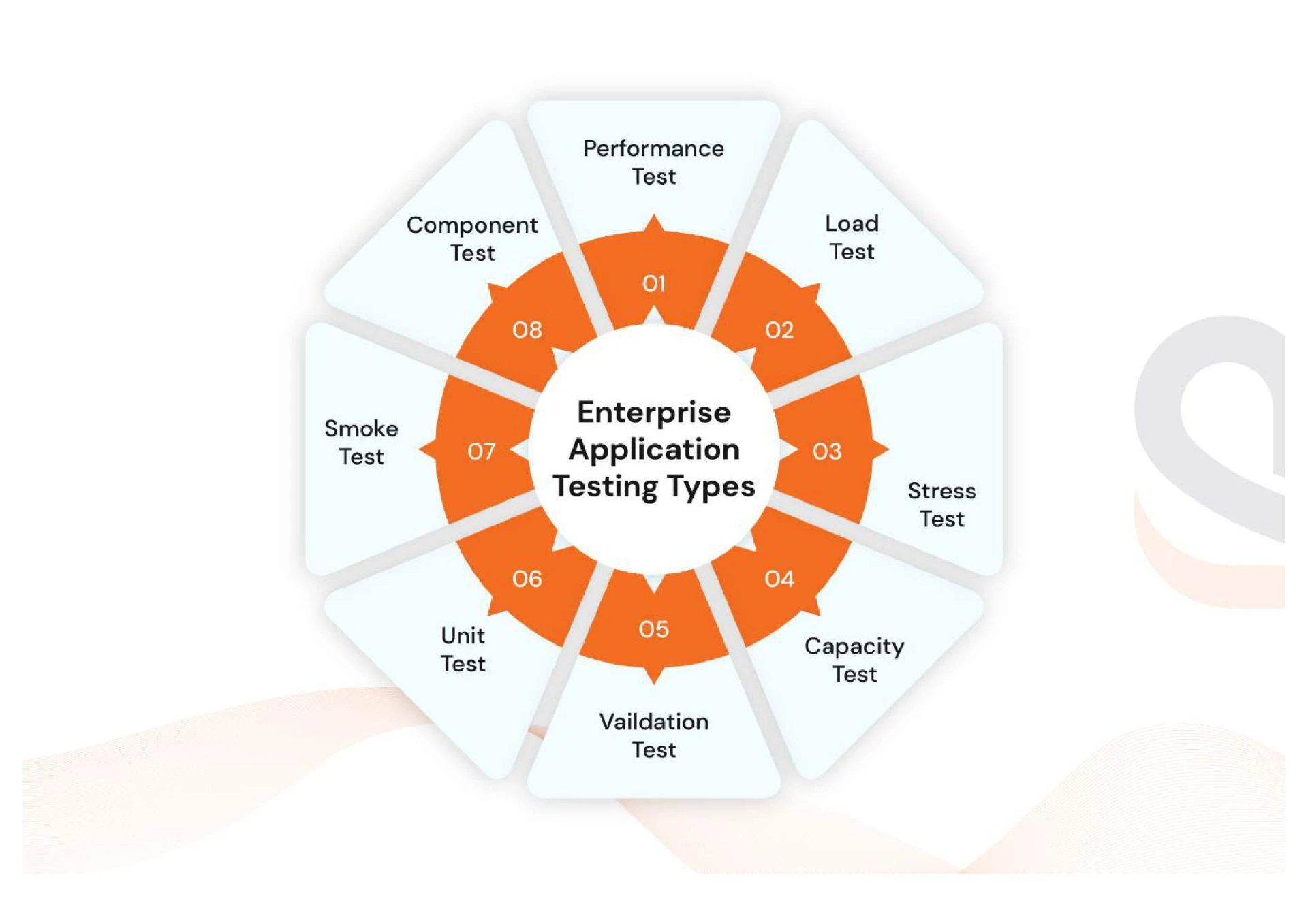

Introduction
Enterprise software is the engine room of modern business operations. From finance to customer relationship management, large-scale systems must work seamlessly around the clock. But before any software goes live, it goes through a critical checkpoint—testing. Not just to catch bugs, but to make sure the software meets business goals, runs smoothly under pressure, and is secure from threats.
Let’s take a look behind the curtain to understand how a well-structured enterprise software testing process can make or break your next big digital transformation.
Understanding the Stakes in Enterprise Software
When we talk about enterprise applications, we’re not just talking about a simple app or a small web platform. These are powerful, complex systems integrated with multiple teams, tools, and technologies. A single failure can cost thousands—or even millions. That’s why testing needs to go far beyond a surface-level check.
A Step-by-Step Look at the Enterprise Testing Workflow
Here's a simplified breakdown of how organizations approach testing enterprise-level software systems:
Step 1: Test Planning & Scope Definition
Before any code is tested, there’s a game plan. QA leads, project managers, and analysts work together to define what’s being tested, how, and why.
What’s Included:
- Business and functional requirements
- Risk assessments
- Tools and resources needed
- Milestones and deliverables
Step 2: Test Case Design
Next comes the blueprint of testing—detailed test cases that replicate real-world scenarios. Whether it’s checking how a payment gateway reacts to failed transactions or how inventory syncs across warehouses, it all gets covered.
What’s Included:
- Functional test cases
- Integration test plans
- Edge-case testing
- Automated test scripts
Step 3: Environment Setup
Imagine running tests on a laptop when your actual software runs on a multi-server cloud platform. Not ideal, right? That’s why environment setup is a crucial step.
What’s Included:
- Server configurations
- Database setups
- Third-party tool integrations
- CI/CD pipelines for faster feedback
Step 4: Execution & Bug Tracking
Now it’s showtime. The QA team executes tests, logs bugs, and retests fixes. Every issue is tracked in real-time until it's resolved.
What’s Included:
- Functional and regression testing
- Exploratory testing for hidden issues
- Issue tracking tools (e.g., Jira, Bugzilla)
- Test documentation
Step 5: Performance & Load Testing
No one wants their software crashing under user pressure. Performance testing ensures your system can scale and deliver a consistent experience.
What’s Included:
- Load testing with simulated users
- Stress testing under extreme conditions
- Response time analysis
- Optimization feedback to developers
Step 6: Security Validation
With cyberattacks on the rise, security testing has become a non-negotiable. Every enterprise system must be fortified against vulnerabilities.
What’s Included:
- OWASP compliance testing
- Vulnerability scanning
- Data encryption validation
- Secure login and access control checks
Step 7: UAT & Go-Live
Before deployment, real users (clients, stakeholders, internal teams) validate the software in a user acceptance testing phase. This ensures the solution aligns with business goals.
What’s Included:
- UAT checklists
- Feedback collection
- Final approval for release
Step 8: Post-Deployment Monitoring
Even after launch, testing continues. Monitoring tools are used to track usage patterns, detect errors, and measure performance in the real world.
What’s Included:
- Real-time issue tracking
- User behavior analytics
- Patches and hotfixes
- Planning future updates
Final Thoughts
Enterprise software testing isn’t just a step—it’s a journey from concept to execution, where quality assurance becomes the backbone of success. The organizations that treat testing as a strategic investment (rather than an afterthought) are the ones delivering high-performing, secure, and user-friendly enterprise solutions.