Network troubleshooting tends to lose time in the same few places: swapping parts “just to see,” bouncing between a cable tester and a laptop, or waiting for someone to identify the right switch port. A Fluke network tester can tighten that loop by turning the first few minutes of a call into clear answers: what the link can support, where it lands, whether PoE is stable, and whether basic IP connectivity is working.
LinkIQ vs. LinkIQ Duo in One Minute
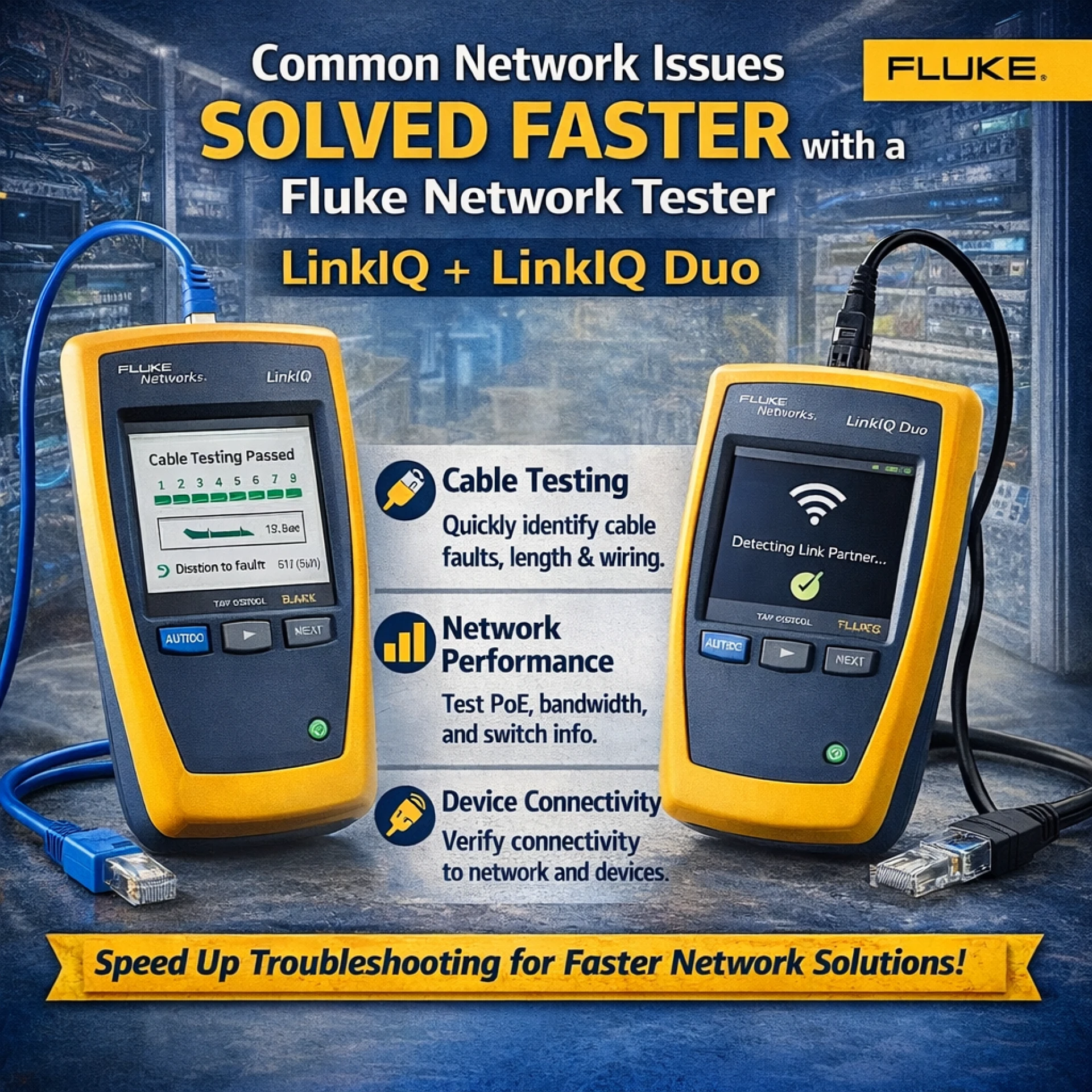
The LinkIQ is built for fast, practical verification on copper drops. It qualifies link performance (beyond basic continuity), checks wiremap, identifies the nearest switch and port, surfaces VLAN details, and validates PoE—plus quick IP checks for connectivity.
The LinkIQ Duo adds wireless visibility on top of the same wired workflow. That matters on service calls where the complaint is “the network is slow,” but the root cause might be a congested Wi‑Fi channel, a weak signal, or an access point that’s fine wire-side but struggling RF-side.
In short, the LinkIQ fits wired-first environments and PoE-heavy closets; the LinkIQ Duo earns its keep when Wi‑Fi is frequently part of the ticket.
Five Common Issues That Get Resolved Faster
1. “The link is up, but it’s slow or unstable.”
This is one of the most common time sinks: link lights look normal, but performance is inconsistent, speed negotiations come in lower than expected, or connections flap intermittently. In the field, the quickest win is separating “this drop can’t support the required speed” from “the network path is misconfigured.”
The LinkIQ helps by qualifying the copper link for expected performance and pairing that with a simple wiremap check. If the wiremap is clean and the link qualifies for the expected speed, the issue likely isn’t the cable; focus can shift to the switch port settings, uplinks, or the endpoint. If the wiremap exposes a split pair, miswire, or other physical issue, the cause is immediately actionable without a long back-and-forth.
2. “The PoE device won’t power on or keeps rebooting.”
Phones, cameras, and access points can fail in ways that look like “bad devices” but are really power delivery problems. Sometimes the switch advertises PoE, yet can’t sustain it under real load, especially with higher-draw devices.
This is where the LinkIQ (and the LinkIQ Duo) can save a lot of guesswork. PoE information and load testing help confirm whether the port can deliver stable power. If power is insufficient or drops under load, the fix becomes straightforward: move to a different PoE port, adjust the power budget, remove an overdraw, or replace an injector/switch as needed. If PoE is clean and stable, the device itself or its configuration becomes the more likely culprit.
3. “It’s patched somewhere, but where is this drop actually landing?”
A surprising amount of downtime comes from basic uncertainty: the cable has a label, but the patch panel doesn’t match the diagram; an ID tone gets lost in a busy closet; or a change was made months ago and never documented.
With the LinkIQ, nearest switch diagnostics shorten the hunt by identifying the switch and port associated with the connected cable. That single detail reduces the “find the port” loop dramatically and improves handoffs between field staff and network admins. Instead of describing symptoms in general terms, the conversation can start with a concrete anchor: the exact port on the exact switch.
4. “There’s a physical connection, but nothing can reach the network.”
When a link is present, but applications fail, the next step is confirming where the chain breaks: IP settings, DHCP behavior, gateway reachability, DNS response, or a simple upstream block.
The LinkIQ can run quick IP connectivity checks that help isolate the fault domain without pulling out additional equipment. A basic progression—confirming an address is set correctly, then testing reachability to the gateway and onward—often identifies whether the problem is local (addressing/VLAN), upstream (routing), or service-side (DNS/host availability). The result is faster escalation with better information, or a faster on-site fix when the issue is local.
5. (Duo) “Wi‑Fi is bad”, but the cause is unclear
Wireless complaints are often described in broad terms: intermittent drops, slow speeds, poor roaming, or “it works in one room but not another.” Those symptoms can be RF-related (congestion, interference, weak signal) or network-related (backhaul issues, PoE instability, VLAN/auth problems).
The LinkIQ Duo adds Wi‑Fi visibility that helps clarify what’s happening in the air. Seeing nearby networks, channels, and signal context makes it easier to identify common patterns: a crowded channel, an unexpectedly weak signal near an access point, or an environment where 2.4 GHz is saturated and 5 GHz/6 GHz conditions are better (or vice versa). That context helps separate “this is an RF problem” from “this is a wired/backhaul problem,” which is often the difference between a quick resolution and a long, frustrating ticket.
A 60‑Second Workflow for Fast Triage
When speed matters, a consistent checklist prevents detours:
- Qualify the link and run a wiremap to confirm the drop is physically sound and capable of the required speed.
- Identify the nearest switch and port (and note VLAN details) to anchor troubleshooting in a specific location.
- Check PoE and run a load test if the powered device is unstable.
- Verify basic IP connectivity with a simple reachability sequence (gateway → DNS → key host).
- If wireless is part of the environment, use the LinkIQ Duo’s Wi‑Fi view to confirm channel/signal context and spot congestion patterns.
Closing Thoughts
The value of the LinkIQ and the LinkIQ Duo comes from its ability to reduce unknowns sooner. A Fluke network tester that can confirm cabling performance, identify switch ports, validate PoE under load, and check connectivity helps teams close tickets with evidence instead of hunches. For wired-first service work, the LinkIQ covers the essentials; for mixed environments where Wi‑Fi is frequently part of the story, the LinkIQ Duo adds the visibility that keeps troubleshooting moving.