Introduction
Most businesses start with a standalone eSign platform — a separate tool where they upload documents, add signers, and track signing progress. This works well initially, but as signing volumes grow and the number of document types increases, context-switching between your primary business tools and a separate eSign dashboard becomes a friction point.
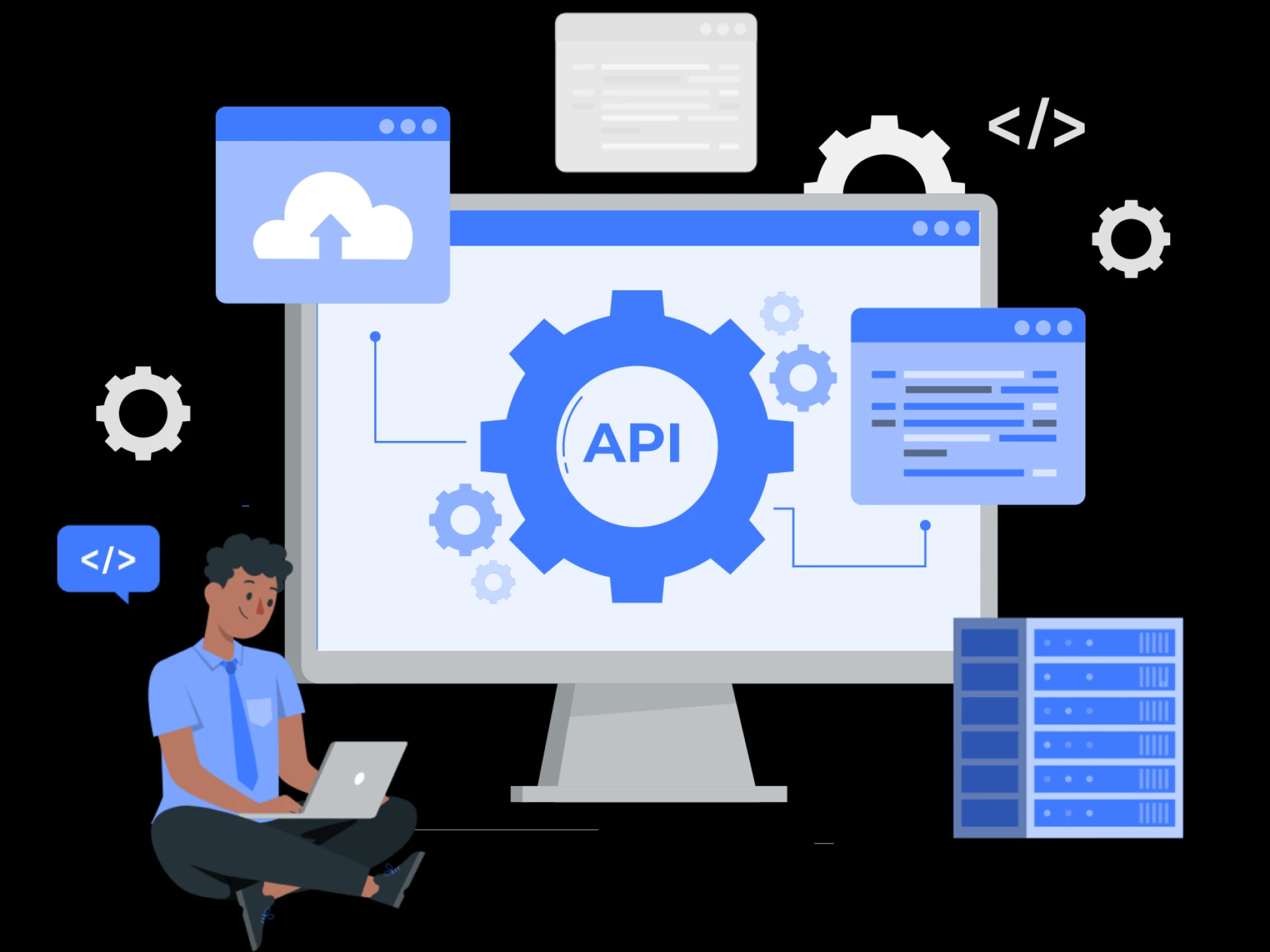
The solution is eSign API integration: embedding electronic signature functionality directly into your CRM, custom application, customer portal, or internal workflow system. This guide walks you through the what, why, and how of eSign API integration for Indian businesses.
Why Embed eSign via API?
When eSign is integrated via API into your existing tools, several things happen:
• Sales teams can send contracts from within their CRM without switching applications
• Customer portals can present agreements for signing directly to the end user
• Onboarding workflows can trigger document generation and signing automatically
• Signing status can be tracked and recorded in your own database in real time
• Signed documents can be automatically filed in your document management system
The result is a seamless, end-to-end workflow where document signing is not a separate step that requires manual intervention, but an automated part of your business process.
Step 1: Understand the API Architecture
A modern eSign API is RESTful — it uses standard HTTP methods (POST, GET) and returns JSON responses. Before integration, familiarize yourself with the core API endpoints you will use:
• Document Upload: Submit the document to be signed
• Signer Configuration: Define who needs to sign, in what order, and via which signing method
• Template Management: Create and retrieve reusable document templates
• Signing Session: Generate a signing link for the recipient
• Status Webhook: Receive real-time callbacks when a document is signed, declined, or expired
• Document Download: Retrieve the signed, tamper-proof document
Step 2: Get API Access and Credentials
To begin integration, you need an API key and, in some implementations, an API secret or OAuth 2.0 credentials from your eSign provider. These credentials authenticate your application's API calls and tie them to your account for billing, audit, and access control purposes.
Most enterprise eSign providers offer a sandbox environment where you can test your integration with dummy documents and simulated signing flows without incurring charges or generating real legal documents. Always build and test in the sandbox before moving to production.
Step 3: Build the Document Sending Workflow
The core workflow for most eSign integrations follows this pattern:
• Your application generates or retrieves the document to be signed (PDF format is standard)
• Your application makes a POST request to the eSign API with the document and signer details
• The API returns a signing session URL or sends a signing notification directly to the signer's email or mobile
• The signer completes the signing process through the provider's secure signing interface
• The API sends a webhook notification to your application confirming the completed signature
• Your application retrieves the signed document and stores it in your system
The signer, in this flow, experiences a branded, secure signing interface — they may not even realize they are interacting with a third-party eSign platform if the integration includes white-label branding.
Step 4: Handle Signing Methods in Your Integration
If your use case requires Aadhaar-based eSign, the integration flow includes additional steps for Aadhaar authentication:
• The signing session prompts the signer to enter their Aadhaar number
• An OTP is sent to the signer's Aadhaar-linked mobile number
• After OTP verification, a digital certificate is issued and the document is signed
For standard electronic signatures (type, draw, upload), the flow is simpler and faster but still produces a legally valid, auditable signed document.
Step 5: Implement Signing Order and Multi-Party Workflows
Many real-world documents require signatures from multiple parties — a contract between a vendor and a buyer, or a loan agreement between a lender and two co-applicants. eSign APIs support both sequential signing (Party A must sign before Party B receives the document) and parallel signing (all parties receive the signing request simultaneously). Configure this through the signers array in your API request, specifying the order and signing method for each recipient.
Step 6: Set Up Webhooks for Real-Time Status Updates
Rather than polling the API repeatedly to check signing status, set up webhooks — HTTP callbacks that the eSign platform sends to your server when specific events occur. Common webhook events include document viewed, document signed by one party, all parties have signed, document declined, and document expired. Handling these webhooks allows your application to react in real time: automatically filing the signed document, updating a CRM record, triggering the next step in a workflow, or notifying your team.
Step 7: Test, Go Live, and Monitor
Before going live, test every path through your integration: happy path (document signed by all parties), decline path (signer declines to sign), expiry path (document expires before signing), and error path (API errors or authentication failures). Once you go live, monitor signing completion rates and webhook delivery success rates. Most eSign platforms provide dashboards showing document status across your integration.
Conclusion
Integrating eSign via API transforms electronic signatures from a standalone tool into a native capability of your business software. The investment in integration pays dividends in automation, user experience, and operational efficiency — especially at scale. Whether you are building on a CRM, a customer portal, or a custom enterprise application, eSign API integration is the path to truly seamless document workflows.