
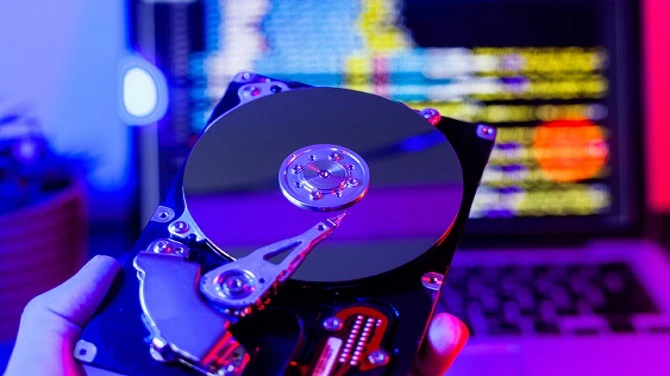
Your SSD was once lightning fast—but lately, things feel a little sluggish. Apps take longer to load, file transfers crawl, and your once-speedy system just doesn’t feel the same. If this sounds familiar, it might not be your imagination. Your SSD could be slowing down, and ignoring the signs could lead to unexpected data loss or complete drive failure.
The good news? A simple SSD drive health checker can help you spot problems early and keep your drive running at its best.
🚨 Why SSDs Slow Down Over Time
Unlike traditional hard drives, SSDs don’t have moving parts, but they do wear out. Each memory cell in an SSD has a limited number of write cycles. Over time, these cycles add up, causing:
- Increased wear levels
- Slower read/write speeds
- System instability
- Unexpected errors or crashes
These issues often appear gradually—making them easy to overlook until it’s too late.
🛠️ How an SSD Health Checker Helps
An SSD health checker is a software tool that scans your drive and reports key metrics like:
- Remaining lifespan (TBW or percentage health)
- Temperature status
- Error rates and bad sectors
- S.M.A.R.T. attributes (Self-Monitoring, Analysis, and Reporting Technology)
ULINK DA Drive Analyzer launched in 2021, is a comprehensive drive health monitoring and failure prediction service developed by ULINK Technology. It utilizes AI and multiple threshold-based algorithms to analyze drive health data and generate alerts when potential failures are detected. Users can access summarized drive health visualizations, making it easier to monitor their storage devices.
ULINK DA Drive Analyzer monitors the health of storage drives, predicts potential failures, and alerts users in advance. It gathers a wide range of drive health metrics from S.M.A.R.T. and other health logs, allowing users to track performance and detect issues early. When abnormal drive activity is identified through AI or threshold-based detection, the system issues alerts so users can take preventive action to protect their data.
✅ When to Run a Health Check
- You notice slower system performance
- File transfers are inconsistent
- Apps crash or freeze frequently
- Your drive is over 2–3 years old
- You’ve never checked your SSD health before
🧠 Final Thoughts
SSDs are fast, durable, and efficient—but they’re not immune to wear and failure. Don’t wait until your system crashes or your files disappear. Use an SSD health checker today to catch issues early, extend your drive’s life, and protect your data.