
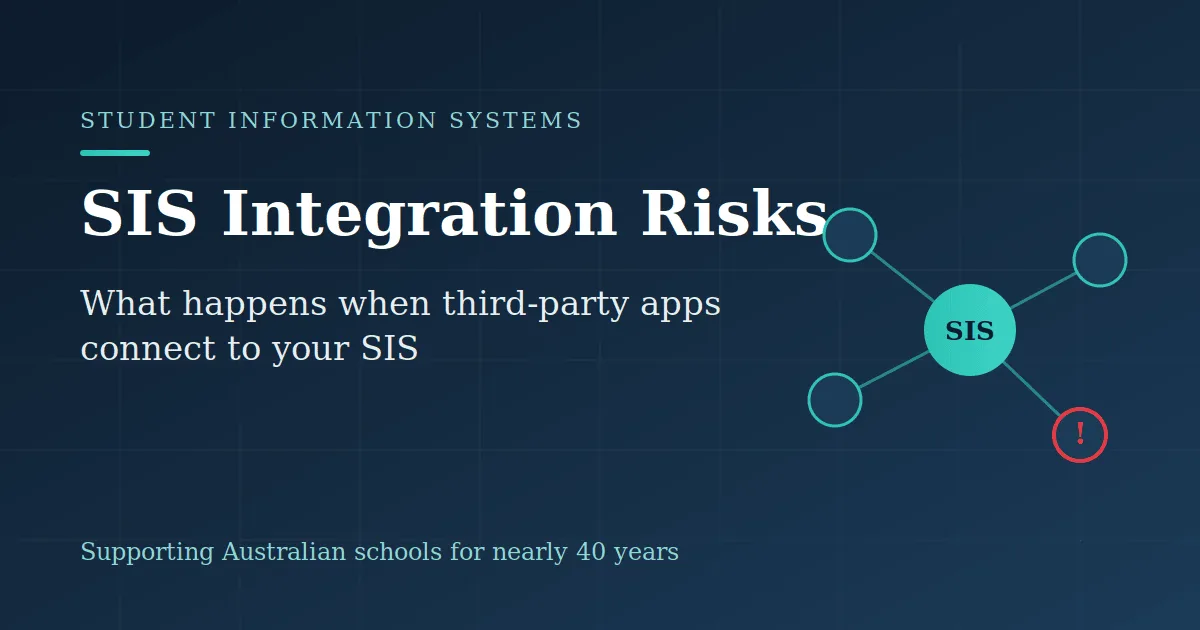
A student information system holds a school's most sensitive records: enrolment details, medical notes, family contacts, and academic history. Here's what is SIS and why third-party app connections need closer attention.
That central role is exactly why the expanding network of third-party apps linked to it needs closer scrutiny. Few modern schools run their SIS as a standalone system. Learning management tools, wellbeing platforms, payment gateways, communication apps and reporting dashboards all connect through integrations, each one sharing data with the core system. These connections cut down manual work and duplication significantly. But they also create risks that are easy to miss until a problem surfaces.
Third-party apps often request more access than they need
When an app connects to your SIS, it asks for permission to read or write certain data. Many request far broader access than their function actually requires, and busy staff tend to approve whatever is asked. An attendance tool that only needs class rosters may end up with visibility over medical and behavioural records. Every unnecessary permission is sensitive data sitting somewhere it does not belong, waiting to be exposed if that vendor is ever compromised. The principle of least privilege, granting each app only the access it genuinely needs, is one of the simplest and most overlooked safeguards a school has.
Every integration widens your attack surface
Each connected app becomes a potential doorway into your student data. A breach of a small, seemingly harmless third-party tool can quickly become a breach of the records held in your SIS, because the two are linked. Attackers understand this, which is why supply chain compromises have become a favoured route into larger, better-defended systems. A school might invest heavily in securing its own environment, then quietly hand a copy of its data to a vendor whose security posture nobody has ever reviewed. The strength of your defences is measured by the weakest link in the chain, and every new integration adds another link.
Student data can end up in places you did not intend
Integrations move data, and data does not always stay where you expect. Some third-party providers store or process information offshore, on servers governed by different laws. Under the Australian Privacy Principles, schools remain responsible for student information even after it passes to a vendor. If you cannot say where each connected app keeps its data, who can access it, and how long it is retained, you have lost a measure of control over records you are legally obliged to protect.
Integrations fail quietly
When an integration breaks, it rarely announces itself. A sync might stop halfway, duplicate a field, or overwrite accurate information with stale data. Because these failures happen in the background, they can go unnoticed for weeks. By the time a teacher spots an incorrect medical flag or a parent receives a message meant for another family, the faulty data may already have spread across several systems. Reliable integrations need monitoring and clear ownership, not blind trust that the connection will simply keep working.
Access lingers long after it should
Schools add integrations readily but remove them rarely. When a trial ends, a contract lapses or a platform is replaced, the connection often remains active, its access tokens still valid and still able to reach your data. These forgotten links, sometimes called orphaned integrations, are a common weak point. Nobody is watching them, nobody remembers approving them, and each one is an open channel that no longer serves any purpose.
Managing the risk sensibly
None of this means integrations should be avoided. Used well, they make schools more efficient and free staff to focus on students rather than paperwork. The difference lies in governance. Schools that stay in control keep an inventory of every connected app, review the permissions each one holds, vet vendors before granting access, and revoke integrations the moment they are no longer needed.
This is where experienced guidance matters. Specialists such as NetStrategy, which has supported Australian schools for nearly 40 years, help school leaders map their integrations, apply least-privilege access and build the ongoing oversight that keeps student data safe. The goal is not to lock everything down, but to connect with confidence.
Your SIS will only ever be as secure as the least careful app attached to it. Treating every integration as a considered decision, rather than a box to tick, is what keeps the system at the heart of your school working for you rather than against you.