
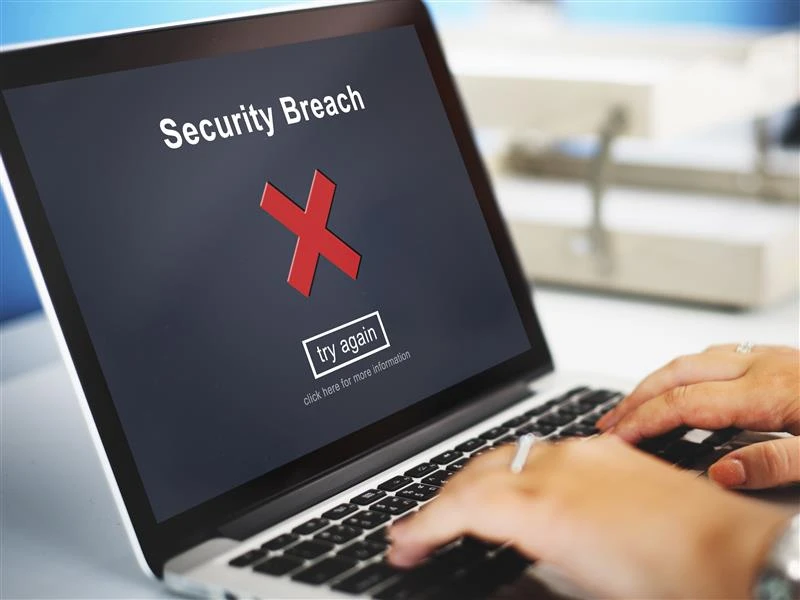
Every website owner dreads the moment when something feels off. Pages lag. Odd pop ups appear. Strange redirects show up from nowhere. When this happens the usual culprit is hidden malicious code. This is where a strong wordpress malware removal strategy becomes essential. This guide breaks everything down in a smooth clear way so anyone can follow it without stress.
How to Know When Your WordPress Site Is Infected
A hacked site rarely stays quiet for long. Visitors may report suspicious ads or unexpected redirects. Files might suddenly change on their own. The hosting provider might even suspend the site to protect its server environment. Many owners notice unusual login attempts or a rapid spike in bandwidth use. These clues often point to infection. Asking simple questions like Did the homepage change on its own? or Why is the dashboard acting strange today? can help confirm the issue early.
Start With a Full Backup Before Any Action
Even when dealing with malware the first step is always a safe backup. Think of it as securing your valuables before cleaning up a messy room. A complete backup of all files plus the database protects the site from accidental loss during the removal process. Many owners use plugins for this. Some rely on hosting control panels. The method does not matter as long as the backup is stored off site and remains untouched until the cleanup finishes.
Scan the Site With Trusted Tools
Scanning helps locate the exact pockets of malicious code. Tools like Wordfence Sucuri Scanner or iThemes Security often reveal infected themes odd scripts and unfamiliar file names. It feels a bit like detective work as each scan provides clues that guide the next steps. One interesting fact here is that most malware creators hide their code inside core files because they know beginners rarely check those areas. A proper scan uncovers these tricks quickly.
Replace Core Files and Remove Suspicious Code
Once infected files appear in the scan results the next step is cleaning or replacing them. Core WordPress files can be replaced with fresh downloads from the official repository. This ensures that any hidden malicious edits vanish instantly. For theme or plugin files it is usually safer to reinstall the latest clean versions from verified sources. If a file contains strange encoded text long strings of random characters or unknown functions it should be removed right away.
Check User Accounts Plugins and Permissions
A common attack method involves creating hidden administrator accounts. Reviewing all users ensures that only trusted individuals hold access. Every plugin and theme should be audited. Outdated or abandoned items often act as entry points for hackers. File permissions also matter. Many infections spread because folders are left wide open. Assigning secure permissions helps block future threats.
Clean the Database and Search for Unusual Entries
Malware does not always hide in files. It often creeps into the database as well. Hackers may insert spam links or strange scripts into posts widgets or settings. Using search tools inside phpMyAdmin or security plugins can reveal these entries. Removing them restores the integrity of the site and stops harmful redirects.
Strengthen Security After Cleanup
Once everything is restored preventive measures become a priority. A firewall plugin stronger passwords and regular updates go a long way. Two factor authentication is also a smart move. Many owners create a monthly security routine to stay ahead of trouble. It is similar to checking the locks on a house. Simple actions keep the environment safe in the long run.
Conclusion
Spotting and removing malware may feel intimidating at first yet each step becomes easier when broken down in a clear process. With patience and the right tools any WordPress owner can regain full control of the site. Anyone searching for reliable help with wordpress malware removal can explore the trusted support available through SEO Webfly which aligns directly with the goal of keeping websites clean safe and secure.
FAQ
What causes most WordPress infections?
Most infections develop from outdated plugins weak passwords or unsecured hosting settings.
How often should a site be scanned?
Weekly scans offer strong protection though daily scanning is ideal for high traffic sites.
Can malware return after removal?
Yes if the original vulnerability stays open. Strengthening security after cleanup prevents repeat attacks.
Are security plugins enough to stop all threats?
They provide strong defense yet regular updates backups and cautious plugin choices remain essential for full protection.