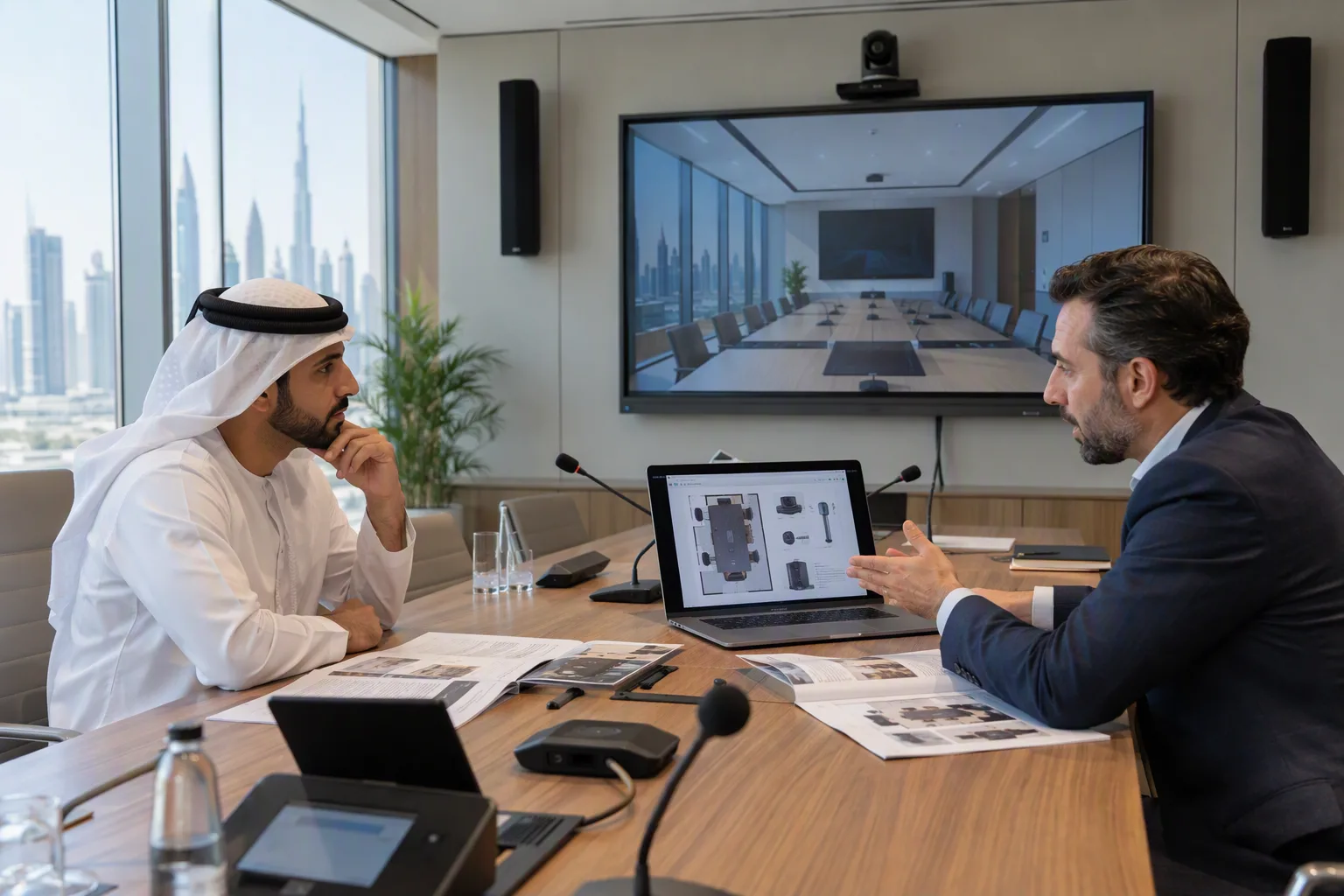
Most conference recordings fail for the same reason: nobody planned them. A camera goes up at the back of the room, the audio comes from a camera microphone, and the slides turn into a white rectangle. Conference video production fixes this with a plan made before load-in. This event video production guide shows you how to film a conference step by step. You will learn what to decide first, how to set up multicamera event recording, what good audio and slides look like, which mistakes to avoid, and how to choose a production partner.
Why Conference Video Deserves a Real Plan
A conference happens once. The keynote, the panel that ran long, the question from the floor that changed the room: none of it can be filmed again. What you capture on the day is what you have.
Capture it well, and one event becomes months of content. Full sessions go into an on-demand library. Short clips promote next year's event. Highlight reels help sponsors see what they paid for. Members who could not travel still get the program.
That is why a full event video service covers more than filming. It usually includes multi-camera capture of keynotes and panels, livestreaming for remote attendees, breakout room recording, B-roll and onsite interviews for promotion, and post-production that turns raw footage into edited sessions, highlight reels, and short clips. Captions and clear audio run through everything, so every recording works for every viewer. Knowing this full scope helps you plan what to capture on the day, and what you will need afterward.
Start With the Purpose of Every Recording
Before you think about cameras, decide what each recording is for. The purpose sets the budget, the crew size, and the edit.
Archive recordings
A record of the session for internal use or compliance. One fixed camera and clean audio are usually enough. Viewers want the content, not production value.
On-demand and continuing education content
Sessions that members will watch later, sometimes for credit. These need two or three camera angles, readable slides, captions, and an edit that removes dead time. People will not sit through 45 minutes of a distant lectern.
Promotional video
Highlight reels and social clips for marketing. These need B-roll: the crowd, the exhibit floor, arrivals, candid moments between sessions. Plan a roaming camera operator for this, separate from the session crew.
Write a one-line brief for each session: who will watch it, where, and why. That list becomes your production plan.
How to Film a Conference: The Core Setup
Good conference video comes down to four things: cameras, audio, slides, and light. Get these right, and the edit becomes simple.
Cameras: plan your multicamera event recording
Most main stage sessions use two or three cameras:
- A wide shot that shows the full stage and gives viewers context
- A tight shot on the speaker, used for most of the recording
- A third angle for panels, audience questions, or reactions
Multicamera event recording lets a director cut between angles live, or lets an editor do it later. Either way, the result holds attention far better than one static shot. Record each camera separately and the live cut. If a cue is missed on the day, the editor can fix it.
Breakout rooms often need only one or two cameras. Keep the framing and audio consistent across rooms so your library looks like one production, not several.
Audio: the part viewers notice first
Viewers will forgive average video. They will not forgive bad audio. Take your audio feed directly from the venue's sound desk instead of relying on camera microphones, which pick up echo, room noise, and applause.
Give every speaker a lavalier or handheld microphone. Plan an audience microphone for Q&A, and ask moderators to repeat questions if a microphone isn't available. Remote viewers cannot follow a conversation they cannot hear.
Slides: capture the signal, not the screen
Filming a projection screen gives you washed-out, unreadable slides. Instead, capture the presenter's laptop signal directly through a video switcher. Your director or editor can then show slides full screen, or side by side with the speaker.
Lighting: plan for the camera, not just the room
Stage lighting designed for the audience often looks harsh or flat on camera. Mixed daylight from windows can wash out faces. Ask for a camera check during rehearsal and adjust before doors open.
Livestream, Recording, or Both?
A livestream reaches people who cannot attend, in real time. A recording gives you polished content after the event. Many conferences do both, stream the main sessions live while recording each camera separately for later editing.
If you stream, plan these extras:
- A separate audio mix for online viewers, since a mix built for a ballroom often sounds thin through headphones
- A dedicated internet line, not shared venue Wi Fi
- A producer watching the stream, not just the room
- A plan for remote viewer questions so that the online audience can take part
If the budget only covers one, choose based on your audience. If most people attend in person and the content has a long shelf life, prioritize recording. If a large share of your audience cannot travel, prioritize the livestream and record it at the same time.
Build Accessibility Into the Shoot
Accessibility is easiest and cheapest when you plan it with the cameras, not add it in the edit.
- Live captions for the room and the stream, and edited captions for recordings.
- ASL interpretation, with the interpreter lit and framed so they are visible on camera
- Audio description for key visual content, where the audience needs it
- Clear audio and readable slides, which help every viewer
For association, government, and medical events, these choices also support Section 508 and WCAG requirements. Adding captions after the fact usually means reworking the whole archive.
Common Conference Video Mistakes to Avoid
Most conference video problems are planning problems, not equipment problems. These are the ones that come up most often:
- Booking video too late. Crews and equipment fill up early during busy conference seasons.
- Skipping the venue visit. Camera positions depend on sightlines, power, and rigging points you can only see in person.
- If you use camera microphones for audio, the recording will capture every cough and clap.
- Filming slides off the screen, capture the laptop signal instead.
- Working from a different schedule than the AV team. Everyone should share one run of show.
- Forgetting deliverables. Agree on formats, edits, captions, and deadlines before the event, not after.
How to Choose Among Live Event Video Production Companies
Live event video production companies differ more than their websites suggest. Many come from commercial or corporate video, where scenes are scripted and shot again. Conferences need a live production mindset. Ask these questions before you hire:
- Do you specialize in live events, or mainly scripted video?
- Will someone visit the venue before the event?
- How do you capture audio and slides?
- Do you record each camera separately as a backup?
- Can the same team handle the livestream, the room AV, and the recording?
- How do you plan captions and interpretation?
- What will we receive, in what format, and when?
Ask for sample recordings from conferences, not commercials. Watch a full session, not just the highlight reel. If the audio is clear, the slides are readable, and you stay interested for ten minutes, you are looking at the right kind of team.
Key Takeaways
What is conference video production?
Conference video production is the planning, filming, and editing that turns live conference sessions into recordings and livestreams. It covers cameras, audio, slide capture, lighting, accessibility, and delivery.
How many cameras do you need to film a conference?
Most main-stage sessions use two or three cameras, a wide shot, a tight shot on the speaker, and a third angle for panels or the audience. Breakout rooms usually need one or two.
Can you livestream and record a conference at the same time?
Yes. Most teams stream sessions live while recording each camera separately. You get a real-time broadcast for remote viewers and higher-quality edited recordings afterward.
How far ahead should you book a conference video team?
For most conferences, three to six months ahead is a sensible window. That leaves time for a venue visit, a camera plan, and a rehearsal.
Final Thoughts
Good conference video is decided long before the cameras roll. Start with the purpose of each recording, plan cameras, audio, and slides around the room, and build accessibility in from day one. If your event is in the capital region, it helps to work with a crew that knows the local venues; resources like this overview of event video production in Washington, D.C., show what that planning looks like in practice.
Plan early, test everything at rehearsal, and your recordings will keep working for your audience long after the event ends.