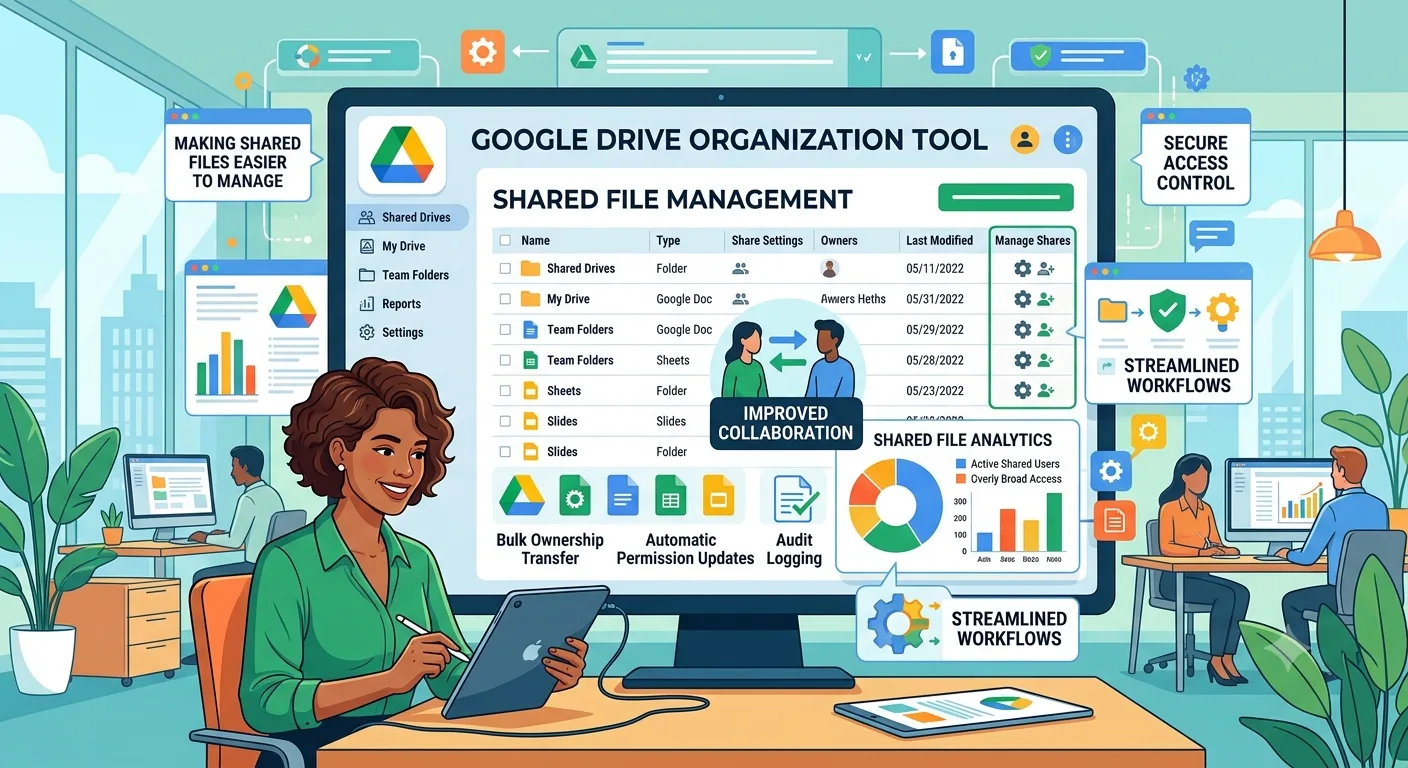
Google Drive can become crowded surprisingly quickly. Businesses use it to store presentations, spreadsheets, contracts, images, reports, project files, marketing materials, and countless other documents.
As the number of files increases, finding information can become harder unless there is a consistent organization strategy.
The goal is not simply to create more folders. The goal is to create a structure that reflects how the organization actually works.
Start With Business Functions
One practical approach is to organize top-level folders around business functions.
For example, a company might have folders for Finance, Marketing, Sales, Human Resources, Operations, and Projects.
Each department can then maintain its own substructure.
This makes the overall Drive easier to understand because folders correspond to recognizable areas of the business.
Create Consistent Project Structures
Projects often require similar types of information.
A marketing project may need folders for research, creative files, campaigns, reports, and final assets.
If every project uses a different arrangement, employees have to learn a new structure each time.
A Google Drive organization tool can support a more systematic approach by helping teams create and maintain repeatable folder structures.
Use Clear Naming Rules
Folder names should communicate their purpose immediately.
Avoid names such as "Stuff," "Old Files," or "Misc."
Instead, use descriptive names that explain what belongs inside the folder.
Consistent capitalization and date formats can also make large collections easier to scan.
Avoid Excessive Folder Creation
Organization does not mean every individual file needs its own folder.
Creating too many folders can make navigation slower.
Folders should exist because they group related information in a useful way.
If a folder contains only one or two files and has no clear organizational purpose, it may not be necessary.
Separate Active and Archived Work
One useful strategy is separating current work from completed projects.
Active folders contain information employees are currently using, while archived folders store completed material.
This reduces clutter and makes it easier to identify what requires immediate attention.
Standardize Shared Team Workspaces
Shared Drives can become confusing when different teams use different conventions.
Organizations can establish common standards for folder names, project structures, archive locations, and document ownership.
These rules make collaboration easier because employees know where new information belongs.
Make Organization Scalable
The structure that works for a small team may not work when the company grows.
A scalable organization system should anticipate increasing numbers of projects, employees, customers, and files.
Creating repeatable structures is one way to reduce the amount of manual organization required as the business expands.
Keep the System Simple
The most effective Drive organization systems are usually easy to explain.
If employees need a long instruction manual to understand where files belong, the hierarchy may be too complicated.
A clear structure, sensible naming rules, and consistent project folders can go a long way toward keeping shared storage manageable.