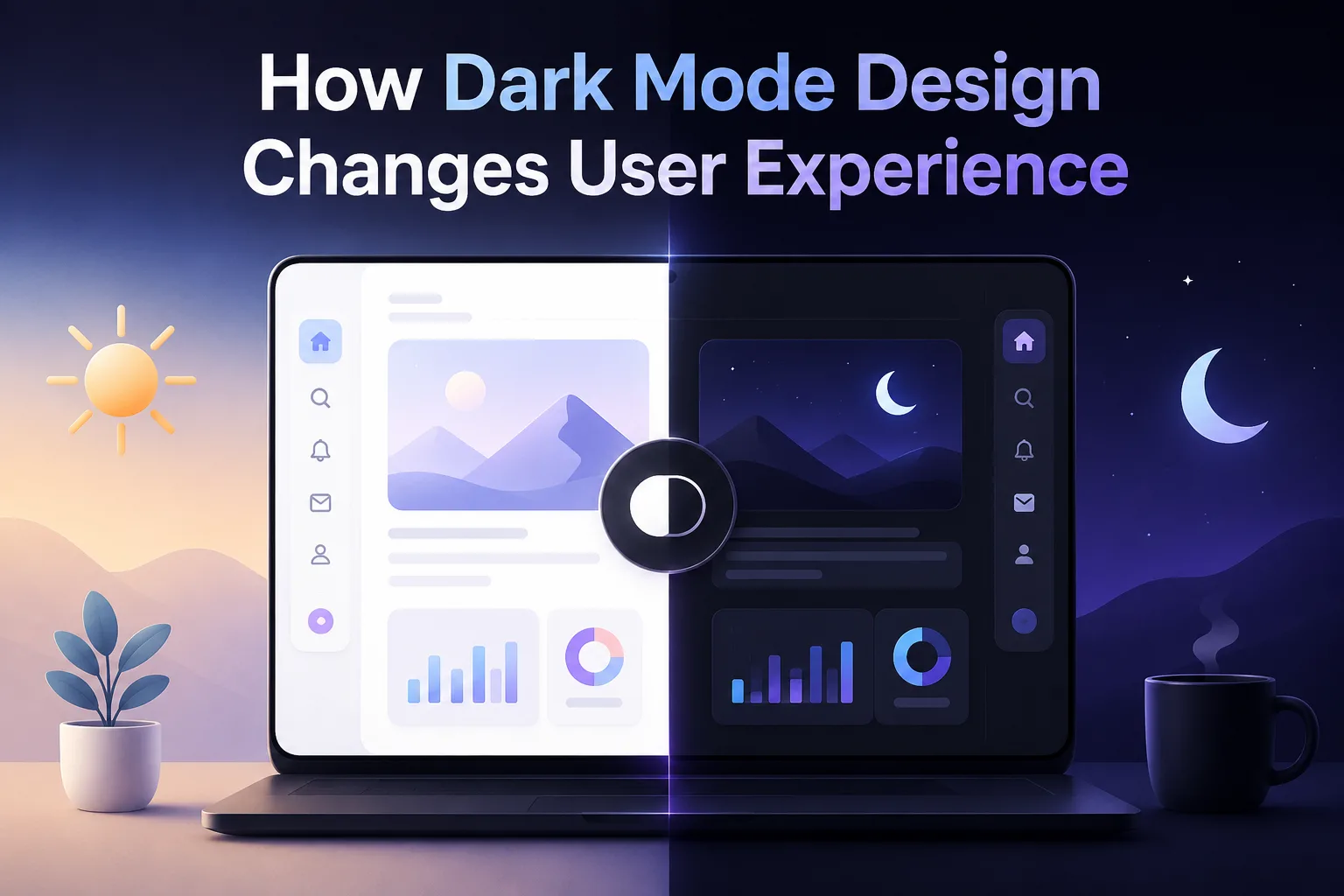
Dark mode design has become a standard feature in modern websites and applications. Many users now prefer browsing in dark mode, especially during night time or in low-light environments. What started as a design trend has now become an important part of user experience.
Dark mode is not just about changing background color from white to black. It involves thoughtful design choices that affect readability, usability, accessibility, and overall user satisfaction.
This article explains how dark mode design changes user experience and why it has become an essential part of modern web design.
What Is Dark Mode Design?
Dark mode is a user interface design where the background is dark and the text and elements are light.
Key Characteristics of Dark Mode
- dark background (usually black or dark grey)
- light-colored text
- reduced brightness
- softer contrast
This design reduces the amount of light emitted by screens.
Why Dark Mode Is Gaining Popularity
Dark mode is widely used across websites, apps, and operating systems.
User Preference
Many users prefer dark mode because it feels comfortable on the eyes.
Device Support
Most devices now offer system-wide dark mode settings, which encourages websites to support it.
Modern Look
Dark mode gives a clean and modern appearance that appeals to users.
Reducing Eye Strain
One of the main reasons users choose dark mode is comfort.
Better for Low-Light Environments
Bright screens can feel harsh in dark surroundings.
Softer Visual Experience
Dark backgrounds reduce glare, making it easier to read content for longer periods.
However, proper contrast is important to maintain readability.
Improving Battery Efficiency
Dark mode can help save battery life on certain devices.
OLED and AMOLED Screens
These screens turn off pixels to display black, reducing power consumption.
Longer Usage Time
Users can spend more time on their devices without frequent charging.
This adds practical value to dark mode.
Enhancing Visual Focus
Dark mode helps users focus on content.
Highlighting Key Elements
Bright text and elements stand out more against dark backgrounds.
Reduced Distractions
Less brightness means fewer visual distractions.
This improves concentration, especially when reading or working.
Creating a Premium Look and Feel
Dark mode often gives a more refined appearance.
Modern Aesthetic
Many brands use dark mode to create a sleek and professional look.
Visual Consistency
When designed properly, dark mode maintains consistency across pages.
This enhances the overall user experience.
Accessibility Considerations
Dark mode can improve accessibility when implemented correctly.
Supporting Visual Sensitivity
Some users are sensitive to bright light.
Proper Contrast Ratios
Text should be easy to read against the background.
Avoiding Pure Black and White
Using softer tones improves readability.
Accessibility should always be a priority in design.
Challenges in Dark Mode Design
Dark mode also comes with certain challenges.
Readability Issues
Low contrast can make text difficult to read.
Color Adjustment
Colors used in light mode may not work well in dark mode.
Image Compatibility
Images designed for light backgrounds may not look good in dark mode.
Designers must adjust elements carefully.
Impact on User Behavior
Dark mode can influence how users interact with a website.
Longer Session Duration
Users may spend more time on websites that feel comfortable to view.
Better Engagement
Reduced eye strain can improve user engagement.
Positive User Experience
Comfort and ease of use contribute to overall satisfaction.
Mobile Experience and Dark Mode
Dark mode is especially useful on mobile devices.
Night-Time Browsing
Users often browse on their phones at night.
Reduced Screen Brightness
Dark mode helps reduce discomfort in dark environments.
Seamless Switching
Users can switch between light and dark modes based on preference.
Mobile optimization is essential for dark mode success.
Dark Mode and Branding
Dark mode affects how a brand is perceived.
Consistent Brand Identity
Design elements should align with both light and dark modes.
Logo and Color Adjustments
Logos and brand colors may need variations for dark backgrounds.
Consistency helps maintain brand recognition.
Technical Implementation of Dark Mode
Dark mode requires proper planning and development.
CSS Media Queries
Designers use media queries to detect user preferences.
Theme Switching
Websites may allow users to manually switch modes.
Performance Considerations
Dark mode should not affect website speed.
Efficient implementation ensures a smooth experience.
Common Mistakes to Avoid
Some mistakes can reduce the effectiveness of dark mode.
Using Pure Black Background
Pure black can create harsh contrast.
Ignoring Contrast Levels
Poor contrast reduces readability.
Overuse of Bright Colors
Bright colors can look too strong on dark backgrounds.
A balanced approach is important.
Role of Professional Design Expertise
Designing effective dark mode requires experience and understanding.
A professional web designing company in kochi focuses on:
- user comfort
- readability
- accessibility
- performance
These factors ensure that dark mode improves user experience rather than creating problems.
Practical Insights from Real Projects
Real-world experience helps improve dark mode design.
Teams working on multiple projects understand:
- how users interact with dark interfaces
- what color combinations work best
- how to maintain consistency
For example, Inter Smart has handled different web design projects where implementing dark mode improved user comfort and engagement without affecting usability.
Future of Dark Mode in Web Design
Dark mode will continue to evolve.
Wider Adoption
More websites will include dark mode as a standard feature.
Improved Design Techniques
Better tools and frameworks will simplify implementation.
User Personalization
Users may get more control over themes and display settings.
These trends show the growing importance of dark mode.
Designing for Comfort and Usability
Dark mode design has become an important part of modern user experience. It offers comfort, improves focus, and supports longer usage, especially in low-light conditions. When implemented properly, it enhances both usability and visual appeal.
However, dark mode requires careful design decisions. Readability, contrast, and accessibility must be considered to ensure a smooth experience for all users.
As user expectations continue to grow, offering dark mode is no longer optional for many websites. It is a practical way to improve user satisfaction and create a modern, user-friendly digital experience.