Your sales team can spend hours every week finding prospects, checking profiles, sending connection requests, writing follow-ups, and updating the CRM. The work keeps growing, but the pipeline does not always move at the same pace.
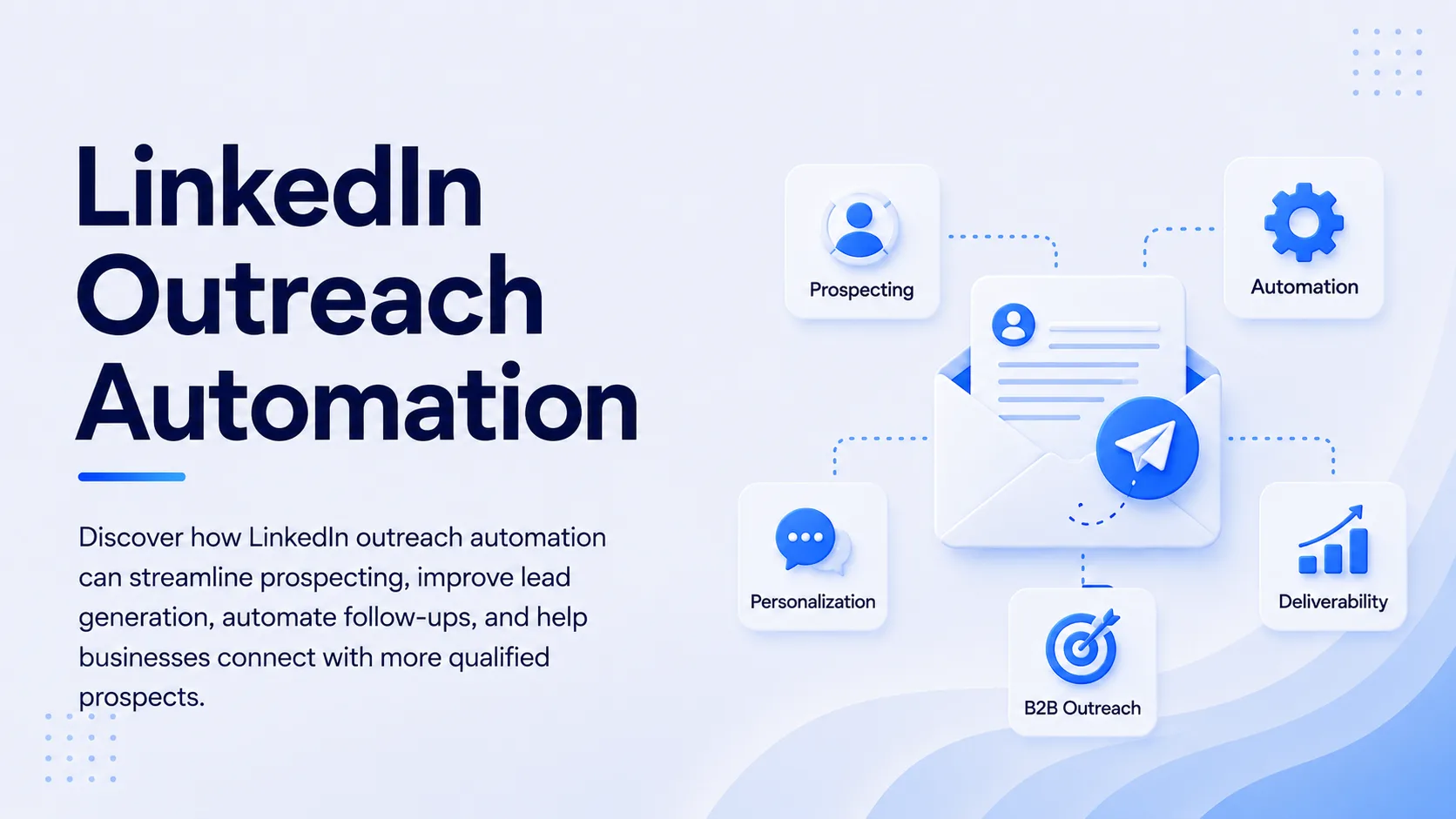
Automated LinkedIn Outreach can fix the execution bottleneck by handling repetitive prospecting actions through defined sequences, schedules, personalization rules, and response triggers. The right approach is not about sending more messages. It is about putting better prospects into a controlled workflow, giving them relevant reasons to respond, and handing real conversations back to sales reps at the right moment.
For B2B teams, the strongest setup combines accurate prospect data, focused segmentation, personalized messaging, conditional follow-ups, sensible activity limits, and CRM tracking. Automation handles repetitive work. Salespeople handle judgment, conversations, qualification, and closing.
What Is Automated LinkedIn Outreach for B2B?
Automated LinkedIn outreach for B2B uses software to manage repetitive LinkedIn prospecting activities based on rules set by a sales team. Depending on the platform, this can include connection requests, direct messages, follow-ups, engagement actions, scheduling, reply detection, and campaign tracking.
The important distinction is that automation should control the workflow, not replace the sales strategy. If the target list is poor, automation simply reaches poor prospects faster. If the message is generic, automation distributes a generic message at scale. The quality of the inputs still determines the quality of the conversations.
A practical B2B workflow starts with an ideal customer profile, identifies matching decision-makers, adds useful context, places qualified prospects into a sequence, and pauses outreach when a prospect responds. This creates a repeatable process without forcing reps to perform every administrative step manually.
How Does LinkedIn Outreach Automation Work?
LinkedIn outreach automation works by connecting prospect selection, message sequencing, timing, personalization, and response handling inside one workflow.
Step 1: Define the ICP Before Building the Campaign
Start with the customer profile you actually want to sell to. Define industry, company size, geography, job title, seniority, department, technology environment, and relevant business triggers.
A vague audience such as “SaaS companies” is not enough for a serious outbound campaign. A sharper segment might be “VP Sales and RevOps leaders at B2B SaaS companies with 50 to 500 employees that are hiring SDRs.” The second audience gives your messaging a clear commercial context.
SalesTarget.ai's Lead Explorer can help sales teams search professional profiles and business records using company and people filters, enrichment data, and intent signals. Its database includes 840M+ professional profiles, 146M+ business entities, and 4,000+ intent signals, giving teams more context before prospects enter an outreach sequence.
Step 2: Segment Prospects by Reason to Reach Out
Do not put every qualified prospect into one campaign. Segment people by the problem your offer solves or by the trigger that makes your message timely.
A recently hired sales leader may care about pipeline creation. A company that has started hiring SDRs may care about prospecting efficiency. A business entering a new market may care about finding accounts in that region.
This is where automated LinkedIn prospecting becomes more useful than a simple contact list. The system can organize prospects into smaller groups, allowing each sequence to reflect a specific business situation.
Step 3: Create a Short, Relevant Sequence
Your first message should give the prospect a reason to continue the conversation. Avoid turning the connection request into a product brochure.
A useful sequence might start with a relevant connection request, followed by a short message after acceptance. A later follow-up can introduce a specific problem, observation, or resource. A final message can close the loop without creating pressure.
The sequence should have a purpose at every stage. If a prospect replies, the automated workflow should stop or change direction so the person is not receiving messages that ignore the conversation.
Step 4: Add Personalization That Changes the Message
Personalization should go beyond inserting a first name. The strongest personalization connects the prospect's role, company situation, or business trigger to the reason for contacting them.
For a Head of Sales, that could mean referencing a growing SDR team. For a founder, it could mean addressing a new market or sales motion. For RevOps, it could mean pointing to fragmented prospecting systems.
SalesTarget.ai's LinkedIn Outreach module can adapt messaging to a prospect's profile, role, and industry. It supports conditional sequences that can branch based on replies, actions, or no response, giving teams more control than a fixed series of identical messages.
Step 5: Measure Pipeline, Not Just LinkedIn Activity
Connection acceptance and reply rates tell you what is happening at the top of the funnel. They do not tell you whether the campaign is producing useful revenue opportunities.
Track qualified replies, meetings booked, opportunities created, pipeline generated, and conversion from conversation to opportunity. Review performance by audience segment and message angle.
A campaign with fewer replies can be more valuable than one with many replies if the conversations come from better-fit accounts.
Why Does B2B LinkedIn Outreach Need Automation?
B2B LinkedIn outreach becomes difficult to maintain manually once prospect volume increases. Reps have to remember who received a connection request, who accepted, who needs a follow-up, who replied, and who should be removed from the sequence.
Automation removes much of that administrative load. It creates consistency across campaigns and gives sales leaders a better view of what is happening.
The bigger benefit is focus. Reps can spend less time performing repetitive actions and more time researching high-value accounts, handling replies, running discovery calls, and moving qualified opportunities forward.
For teams already using email outreach, combining LinkedIn with email can create a more coordinated prospecting motion. SalesTarget.ai supports LinkedIn and email sequences in the same workspace, so a prospect can be managed through a broader outbound workflow rather than being tracked across disconnected tools.
Want to reduce the manual work behind your prospecting campaigns? SalesTarget.ai brings lead data, LinkedIn outreach, email automation, and CRM activity into one workspace. Build a focused audience first, then automate the repetitive steps that slow your reps down.
What Are the Benefits of LinkedIn Sales Automation?
LinkedIn sales automation can improve B2B outbound performance in several practical ways.
First, it saves execution time. Reps do not need to manually send every connection request or remember every follow-up.
Second, it improves consistency. A defined sequence gives every campaign a repeatable structure, making it easier to identify what works.
Third, it supports better segmentation. Different prospect groups can receive different messaging based on their role, company profile, or buying signals.
Fourth, it improves follow-up discipline. Prospects who do not respond can move through a planned sequence instead of disappearing from the rep's task list.
Fifth, it creates better operational visibility when outreach activity is connected to CRM records. Sales leaders can see which campaigns are generating conversations and which segments are consuming time without producing qualified opportunities.
The key is to treat automation as an execution layer. Your ICP, offer, positioning, messaging, and qualification process still need human ownership.
How Can You Build a Better LinkedIn Outreach Strategy?
A strong LinkedIn outreach strategy starts with relevance rather than volume. Before launching a campaign, decide exactly who should receive it, why they should care, and what action you want after the first conversation.
Use a clear message hierarchy. The connection request should open the door. The first follow-up should establish relevance. Later messages should add useful context or a new reason to respond. Your final follow-up should make it easy for the prospect to decline, defer, or continue.
Keep your messages short enough to scan quickly. LinkedIn is a conversational channel, so copy that reads like a formal sales letter can create distance.
Activity controls matter too. Avoid building a campaign around aggressive volume. Use reasonable schedules, human review, warm-up logic, and safeguards that reduce unusual activity patterns. The exact limits and acceptable behavior can change, so your automation setup should respect LinkedIn's current rules and your account conditions.
For teams looking for a practical way to coordinate LinkedIn prospecting, AI-powered LinkedIn prospecting workflows can connect prospect selection, personalization, sequencing, and follow-up inside a broader outbound process.
If your reps are losing productive selling time to repetitive LinkedIn tasks, start by automating one focused campaign instead of your entire outbound operation. Build the audience, review the messaging, watch the replies, and expand the workflow after you know what converts.
What Mistakes Should You Avoid With Automated B2B Outreach?
The biggest mistake is scaling before validating the message. If a campaign has poor positioning, increasing the number of prospects will increase wasted activity rather than pipeline.
Another mistake is using the same sequence for every segment. A founder, SDR leader, CTO, and procurement executive can have very different priorities. One generic pitch rarely gives each person a strong reason to respond.
Ignoring replies is another serious operational problem. Automation should never continue sending a sales sequence after a prospect has started a real conversation. Reply detection and sequence pauses are essential for keeping outreach relevant.
Poor data can create another failure point. Incorrect job titles, outdated companies, invalid contact details, and weak enrichment reduce campaign quality before messaging even begins.
Finally, do not judge a campaign by connection volume alone. A large accepted-connection count is useful only if those connections become meaningful sales conversations.
How Should You Choose LinkedIn Prospecting Tools?
The right LinkedIn prospecting tools should fit the full outbound workflow rather than solve one isolated task.
Look at five areas: prospect data, personalization, sequence control, safety features, and CRM visibility. Ask whether your team can identify qualified prospects without exporting lists between multiple systems. Check whether messages can adapt to prospect attributes and whether sequences can pause based on replies.
SalesTarget.ai combines B2B lead data, enrichment, LinkedIn outreach, email outreach, CRM functionality, email validation, and an AI Copilot in one workspace. Its LinkedIn module supports connection requests, direct messages, follow-ups, engagement actions, AI personalization, conditional sequences, timezone-aware scheduling, and safeguards such as rate limits and auto-pause logic.
That setup can be useful for B2B teams that want fewer handoffs between prospect research, outreach, and pipeline management. The value is less about adding another automation layer and more about reducing the number of disconnected systems sales reps have to operate.
How Can LinkedIn Lead Generation Automation Support B2B Growth?
LinkedIn lead generation automation supports growth when it creates a repeatable path from target account identification to qualified conversation.
The workflow should look something like this: identify the right accounts, find relevant decision-makers, enrich the records, group prospects by context, launch personalized outreach, detect responses, stop automation when a conversation starts, and move qualified opportunities into the sales pipeline.
That last step is easy to overlook. Outreach does not create revenue by itself. Revenue comes from what happens after the prospect responds.
A connected CRM helps preserve that context. SalesTarget.ai's CRM automatically brings campaign leads into the pipeline, logs communication activity on lead timelines, creates follow-up tasks, and supports sales activity tracking. Its reported CRM benchmarks include 91% follow-up completion and approximately six hours saved per rep per week.
For a growing B2B team, this creates a useful operating principle: automate the repeatable work, keep human judgment at the points that affect revenue, and measure the complete path from prospect to opportunity.
Final Thoughts
Automated LinkedIn Outreach works best when it removes repetitive execution without removing relevance. The strongest B2B campaigns begin with a precise ICP, use meaningful prospect signals, segment audiences, personalize the reason for contact, apply controlled sequences, and measure qualified pipeline rather than raw activity.
The real opportunity is not to make your sales team send hundreds of messages every day. It is to give reps a system that keeps prospecting moving, follows up consistently, and gives them more time for conversations that require human judgment.
SalesTarget.ai brings prospect data, enrichment, LinkedIn and email outreach, CRM workflows, and AI assistance into one outbound platform. If your team is spending too much time switching between prospecting tools and manually managing follow-ups, make the next step simple: build one focused campaign, automate the repetitive work, and use the resulting conversations to improve your B2B growth process.