Understanding WhatsApp View Once
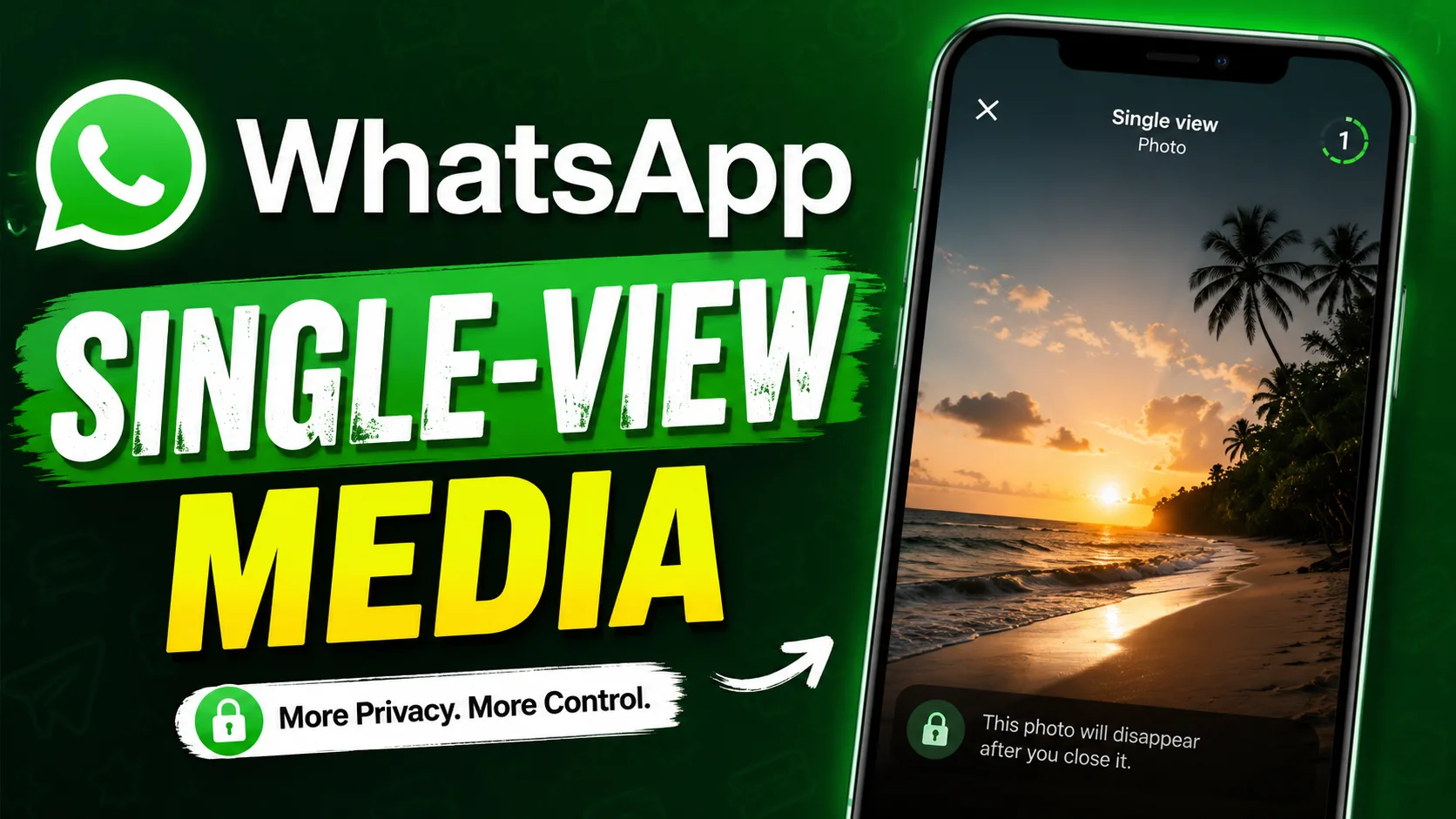
WhatsApp’s View Once feature is designed to improve privacy when sharing personal photos, videos, and audio messages. Once the recipient opens the content, it disappears automatically after being viewed or listened to one time. This feature is useful for sharing sensitive information, temporary updates, or private media without leaving a permanent chat record.
The feature works on both Android and iPhone devices and has become increasingly popular among users who value secure communication. Whether you are sharing confidential work details or casual personal moments, View Once adds an extra layer of control over your media.
How View Once Works on WhatsApp
When you send a photo, video, or voice message using View Once, the recipient can open it only a single time. After the media is viewed or played, it disappears from the chat automatically. WhatsApp also attempts to prevent users from saving or forwarding the content.
However, users should remember that screenshots or external recordings may still be possible on some devices. Because of this, it is always important to share sensitive content carefully, even with View Once enabled.
WhatsApp also notifies senders whether the media has been opened, allowing better transparency during conversations.
Steps to Use View Once for Photos
Sending disappearing photos on WhatsApp is simple and requires only a few taps.
Open the WhatsApp chat where you want to share the image. Tap the attachment icon and choose a photo from your gallery or capture a new one using the camera. Before sending the image, look for the small “1” icon located near the caption field.
Tap this icon to enable View Once mode. Once activated, the icon becomes highlighted. After that, press the send button. The recipient will only be able to open the photo one time.
This feature is especially useful when sharing private images, passwords written on paper, or temporary information that should not remain in chat history.
Steps to Use View Once for Videos
The process for videos is almost identical to photos. Open the chat, attach or record a video, and tap the “1” icon before sending it.
View Once videos disappear immediately after being watched. This can help reduce unnecessary storage usage and improve privacy during conversations.
Many users rely on this feature for quick updates, confidential business communication, or personal clips that do not need to stay permanently visible.
A smooth smartphone experience can make WhatsApp features work better and faster. Devices such as the iphone 16 refurbished offer modern performance and camera quality while remaining more budget-friendly than buying brand-new models.
How to Send View Once Audio Messages
WhatsApp has also expanded the View Once feature to voice messages. This allows users to send audio clips that can only be listened to one time.
To use it, open a chat and press the microphone icon to record your message. Before sending the recording, tap the View Once icon that appears on the screen. Once enabled, send the audio normally.
After the recipient listens to the message once, it disappears automatically. This feature is ideal for sharing confidential spoken information, quick updates, or private discussions that should not remain accessible later.
Important Privacy Features and Limitations
Although View Once improves privacy, it is not a perfect security solution. Users should understand its limitations before relying on it completely.
Recipients can still use another phone or external camera to record the content. In some cases, screenshots may also be possible depending on the device and operating system.
Additionally, unopened View Once messages may remain in the chat for up to 14 days before disappearing automatically. If the message is not opened within that period, it expires.
For better privacy protection, always update WhatsApp regularly and use trusted devices with the latest software updates.
Why View Once Is Becoming More Popular
Digital privacy has become a major concern for smartphone users worldwide. Features like disappearing media help users feel more confident while communicating online.
Businesses use View Once to share temporary files and confidential details securely. Individuals use it for personal communication, reducing the chances of old media being stored indefinitely.
Modern smartphones also contribute to a smoother messaging experience. Many users exploring premium Apple devices now prefer options like the iphone 16 pro refurbished, which combine advanced features with better affordability.
Tips for Using View Once Safely
To get the best experience with WhatsApp View Once, users should follow a few practical tips.
Always verify the recipient before sending sensitive media. Avoid sharing confidential content in large groups or with unknown contacts. Keep your app updated to access the latest privacy improvements and bug fixes.
It is also wise to enable two-factor authentication on WhatsApp for added account security. Combined with View Once, this can help protect your personal communication more effectively.
Users who want reliable smartphones for secure messaging often explore trusted platforms like EasyPhones, which provides quality-tested Apple devices at competitive prices. Many buyers searching for second hand iphones online in india choose platforms that focus on device quality, warranty support, and affordability.
Final Thoughts
WhatsApp View Once is a useful feature for anyone who values digital privacy and temporary communication. Whether you are sending photos, videos, or audio clips, the feature gives you more control over how long your shared content remains accessible.
While it is not completely foolproof against screenshots or recordings, it still adds a meaningful layer of privacy for everyday conversations. By understanding how the feature works and using it responsibly, users can communicate more securely and confidently.
As messaging privacy continues to evolve, features like View Once will likely become even more important for modern smartphone users.