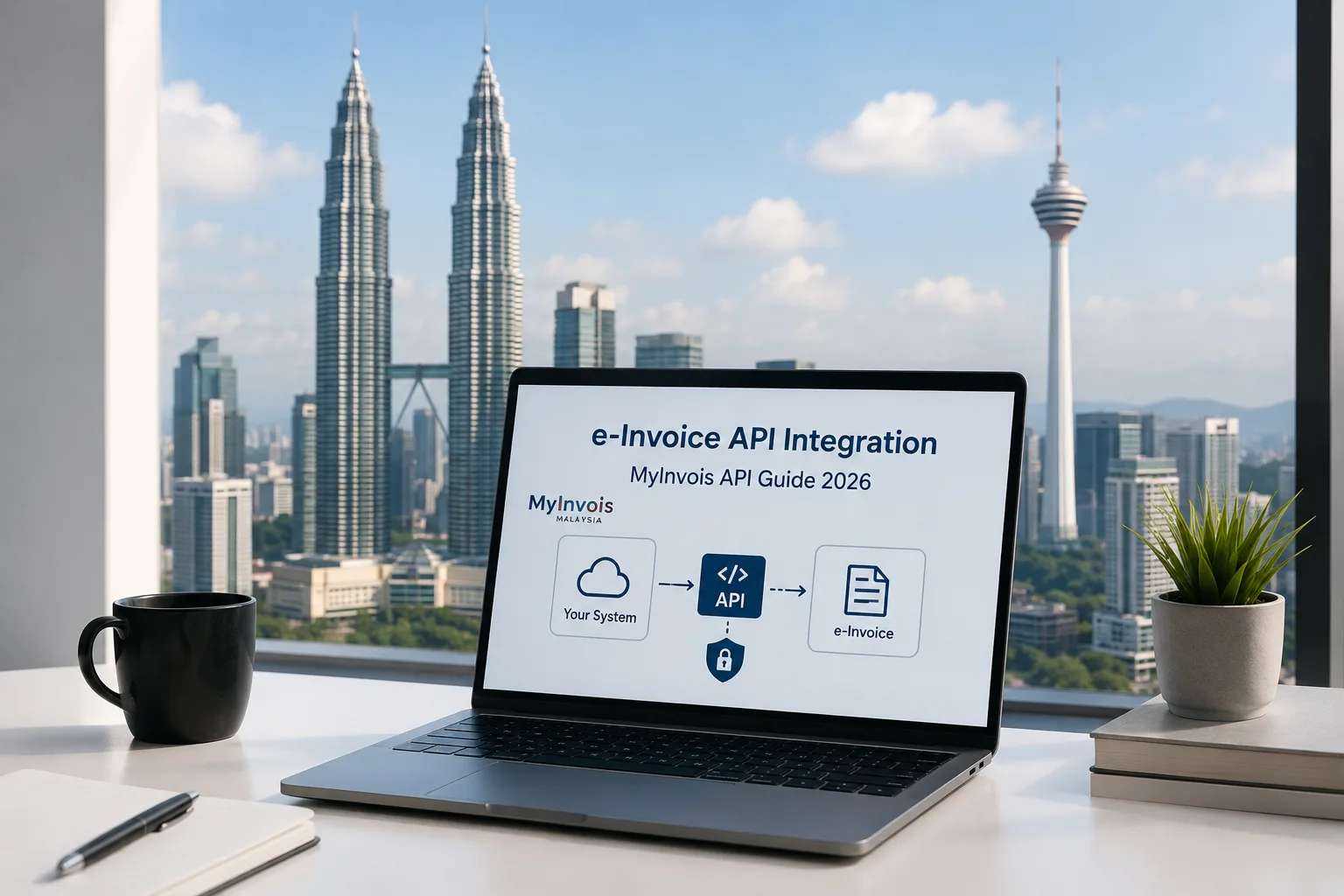
Malaysia’s e-Invoice implementation is transforming how businesses create, submit, validate, and manage transaction records electronically. For companies looking to automate invoicing, Trusted e-Invoicing Software in Malaysia can simplify integration with the LHDN MyInvois System while reducing manual processes and improving compliance. In 2026, businesses can connect their ERP, accounting, or billing systems directly with MyInvois through APIs, allowing invoices and related documents to be submitted electronically and tracked through their lifecycle.
What Is MyInvois API Integration?
MyInvois API integration allows a taxpayer's ERP or business application to communicate directly with the Malaysian Inland Revenue Board (LHDN/HASiL) MyInvois System. Instead of manually uploading invoices through the MyInvois Portal, businesses can automate the exchange of invoice data from their existing systems.
The MyInvois SDK provides APIs for authentication, taxpayer identification, document submission, document retrieval, cancellation, rejection, searching, and submission-status monitoring. The API architecture follows REST principles and supports structured JSON and XML document formats based on UBL 2.1.
How Does Malaysia e-Invoice API Integration Work?
A typical integration connects the company's ERP, accounting software, POS, or billing platform to MyInvois through an integration layer or directly through APIs.
The basic workflow is:
Business System → Integration Layer → MyInvois API → Validation → MyInvois Status → ERP/Accounting System
First, the business system generates invoice information. The integration layer maps the required data into the appropriate MyInvois document structure. The document is then digitally signed, encoded, and submitted through the API.
After submission, MyInvois performs validation and provides identifiers that the business system can use to monitor the document. Businesses can subsequently retrieve document information, validation results, and status details through the relevant APIs.
Key MyInvois APIs Businesses Should Know
Understanding the main APIs is essential before starting an integration project. The MyInvois API framework includes several functions designed for different stages of the e-Invoice process.
1. Login as Taxpayer System
Authentication is the first step. MyInvois uses OAuth 2.0 client credentials to authenticate systems and issue access tokens for protected API calls. Businesses should securely store credentials and reuse valid tokens instead of repeatedly requesting new ones.
2. Validate Taxpayer's TIN
The Taxpayer Identification Number (TIN) validation API can be used to validate a taxpayer's TIN before it is added to an invoice. This helps businesses reduce errors in taxpayer information before submitting documents.
3. Submit Documents
The Submit Documents API is one of the most important APIs because it allows businesses to send one or more signed documents to MyInvois.
The API supports JSON and XML formats, and documents must follow the applicable UBL 2.1 structure. Each document submission includes information such as the document format, document content, document hash, and the supplier's internal reference number.
4. Get Submission
After documents are submitted, businesses can use the Get Submission API to check processing information. This is particularly important because document processing can involve asynchronous validation.
MyInvois recommends appropriate polling intervals rather than continuously requesting the same submission. The current integration guidance recommends a 3–5 second interval for checking submission status to reduce unnecessary API traffic and throttling.
5. Get Document and Get Document Details
Once a document has been processed, businesses can retrieve document information through the document APIs. These APIs can provide the submitted document and additional metadata, including its MyInvois identifiers and status.
For efficient integrations, businesses should maintain their own local records rather than repeatedly retrieving the same document from MyInvois.
FreshBooks, Zoho Books and MYOB Integration
Businesses using cloud accounting platforms may require an integration layer to connect their accounting software with MyInvois.
For example, FreshBooks e-Invoice Malaysia integration can help businesses connect invoice-generation workflows from FreshBooks with Malaysia's e-Invoice requirements. Instead of manually transferring invoice information, an integration can map relevant customer, supplier, tax, transaction, and document data into the required MyInvois structure.
Similarly, Zoho Books e-Invoice Malaysia integration can connect accounting workflows with MyInvois through an API-enabled technology provider or middleware solution. The integration should be designed to validate data, handle authentication, submit documents, monitor status, and synchronize results back into the accounting system.
For organizations using MYOB, MYOB e-Invoice Malaysia integration can provide a structured approach to connecting existing accounting workflows with MyInvois. The exact implementation depends on the MYOB environment, available integration capabilities, business requirements, and the technology provider being used.
What Data Is Required for MyInvois API Integration?
Successful API integration depends on accurate and complete invoice data. Businesses should review their existing ERP or accounting database before beginning development.
Common information may include:
- Supplier details
- Buyer details
- Tax Identification Number
- Business registration information
- Invoice number
- Invoice date and time
- Currency
- Item descriptions
- Quantity and unit price
- Tax information
- Discounts and charges
- Total amounts
- Payment information
- Classification codes
- Document references
The integration must map internal accounting fields to the applicable MyInvois document structure. Because MyInvois uses UBL 2.1-based document structures, developers should follow the relevant document-type and version specifications rather than creating an independent invoice format.
MyInvois API Authentication and Security
Security is an important part of API integration. MyInvois requires authenticated calls to protected APIs, with the authorization header using the access token issued by the identity service.
Businesses should protect client IDs, client secrets, access tokens, and other integration credentials. API communication should use secure HTTPS/TLS connections. The MyInvois integration architecture also requires digital signatures for submitted documents, providing additional authentication, integrity, and non-repudiation controls.
Intermediaries representing taxpayers can also use the intermediary authentication mechanism. In such cases, the taxpayer grants permissions and the intermediary uses the appropriate taxpayer identification information when acting on the taxpayer's behalf.
MyInvois API Rate Limits and Best Practices
API rate limits should be considered during development. For example, the Submit Documents API currently recommends a limit of 100 requests per minute per Client ID, while Get Submission has a recommended limit of 300 requests per minute per Client ID. Different APIs have different limits, so developers should implement appropriate throttling and retry mechanisms.
A reliable integration should also:
- Cache valid authentication tokens.
- Avoid unnecessary API calls.
- Implement retry logic for temporary failures.
- Handle HTTP 429 responses appropriately.
- Maintain local invoice and submission records.
- Monitor validation failures.
- Log correlation IDs for troubleshooting.
- Reconcile API and portal submissions to prevent duplication.
MyInvois provides standard rate-limit headers, including remaining requests and reset information, which integration developers can use to manage API traffic.
Choosing the Right E-Invoicing Integration Provider
Selecting an integration provider is an important decision because API connectivity is only one part of e-Invoice implementation. Businesses should consider whether the provider supports their accounting or ERP system, MyInvois document requirements, automated validation, submission monitoring, error handling, reporting, and future updates.
Organizations operating across multiple countries may also evaluate a Trusted e-Invoicing Software in UAE alongside their Malaysian solution. However, Malaysian e-Invoicing requirements and MyInvois API specifications are specific to the local tax authority, so businesses should ensure that their chosen provider supports the required Malaysian workflows rather than relying only on a generic global invoicing platform.
Common MyInvois API Integration Challenges
Businesses can encounter several technical challenges during implementation. Incorrect TIN information, incomplete mandatory fields, invalid document structures, incorrect tax information, expired access tokens, and API rate limiting can result in failed transactions.
Another common challenge is synchronization. If an invoice is successfully submitted to MyInvois but the accounting system does not update its local status, finance teams may not know whether the invoice was accepted, rejected, or cancelled.
A well-designed integration should therefore create a clear relationship between the company's internal invoice number, MyInvois submission ID, document UUID, and validation status. This makes reconciliation and troubleshooting easier.
Benefits of MyInvois API Integration
API integration can provide several operational benefits for Malaysian businesses.
Automation: Invoices can be submitted directly from existing business systems.
Reduced manual work: Finance teams do not need to repeatedly enter invoice data into a separate portal.
Improved accuracy: Automated field mapping can reduce manual data-entry errors.
Faster processing: Businesses can receive MyInvois processing results electronically.
Better visibility: Integration allows invoice statuses and validation results to be synchronized with internal systems.
Scalability: API-based workflows can support larger transaction volumes without requiring proportional increases in manual processing.
The MyInvois platform is designed to support near-real-time validation and electronic storage for B2B, B2C, and B2G transactions, making API integration increasingly important for businesses seeking scalable e-Invoicing workflows.
MyInvois API Integration: 2026 Implementation Checklist
Before going live, businesses should verify the following:
- Confirm taxpayer identity and MyInvois access.
- Select the appropriate integration model.
- Register and configure system credentials.
- Implement OAuth 2.0 authentication.
- Map ERP data to the required UBL 2.1 structure.
- Implement digital signing.
- Test JSON/XML document generation.
- Test TIN validation.
- Test document submission.
- Implement submission-status monitoring.
- Configure error handling and retries.
- Monitor API rate limits.
- Maintain local document records.
- Reconcile submitted documents.
- Test cancellation and rejection workflows.
- Move from testing to production only after successful validation.
Frequently Asked Questions
1. What is MyInvois API integration?
MyInvois API integration connects a company's ERP, accounting, billing, or business application directly with Malaysia's MyInvois System. It allows businesses to automate e-Invoice submission, validation, retrieval, and status monitoring.
2. Does MyInvois API support JSON and XML?
Yes. MyInvois supports both JSON and XML for document submissions, with document structures based on UBL 2.1 requirements.
3. Can accounting software be connected to MyInvois?
Yes. Accounting and ERP systems can be integrated with MyInvois directly or through an intermediary or technology provider, depending on the system's capabilities and the business's integration requirements.
4. How does MyInvois authentication work?
MyInvois uses OAuth 2.0 client credentials for system authentication. The system receives an access token that is then used for protected API requests.
5. Why is API status monitoring important?
Document submission and validation involve processing steps, so businesses need to monitor submission results and update their internal systems accordingly. Proper status synchronization helps prevent duplicate invoices and improves reconciliation.
Conclusion
Malaysia's e-Invoice ecosystem is becoming increasingly technology-driven, and API integration provides businesses with an efficient way to connect existing ERP and accounting systems with MyInvois. By using the correct authentication method, UBL 2.1-compliant data structure, secure document submission, status monitoring, and appropriate API management practices, businesses can build a reliable and scalable e-Invoicing workflow. A well-planned integration also reduces manual work, improves data accuracy, and helps organizations maintain better control over their invoicing processes as Malaysia's digital tax environment continues to evolve in 2026.