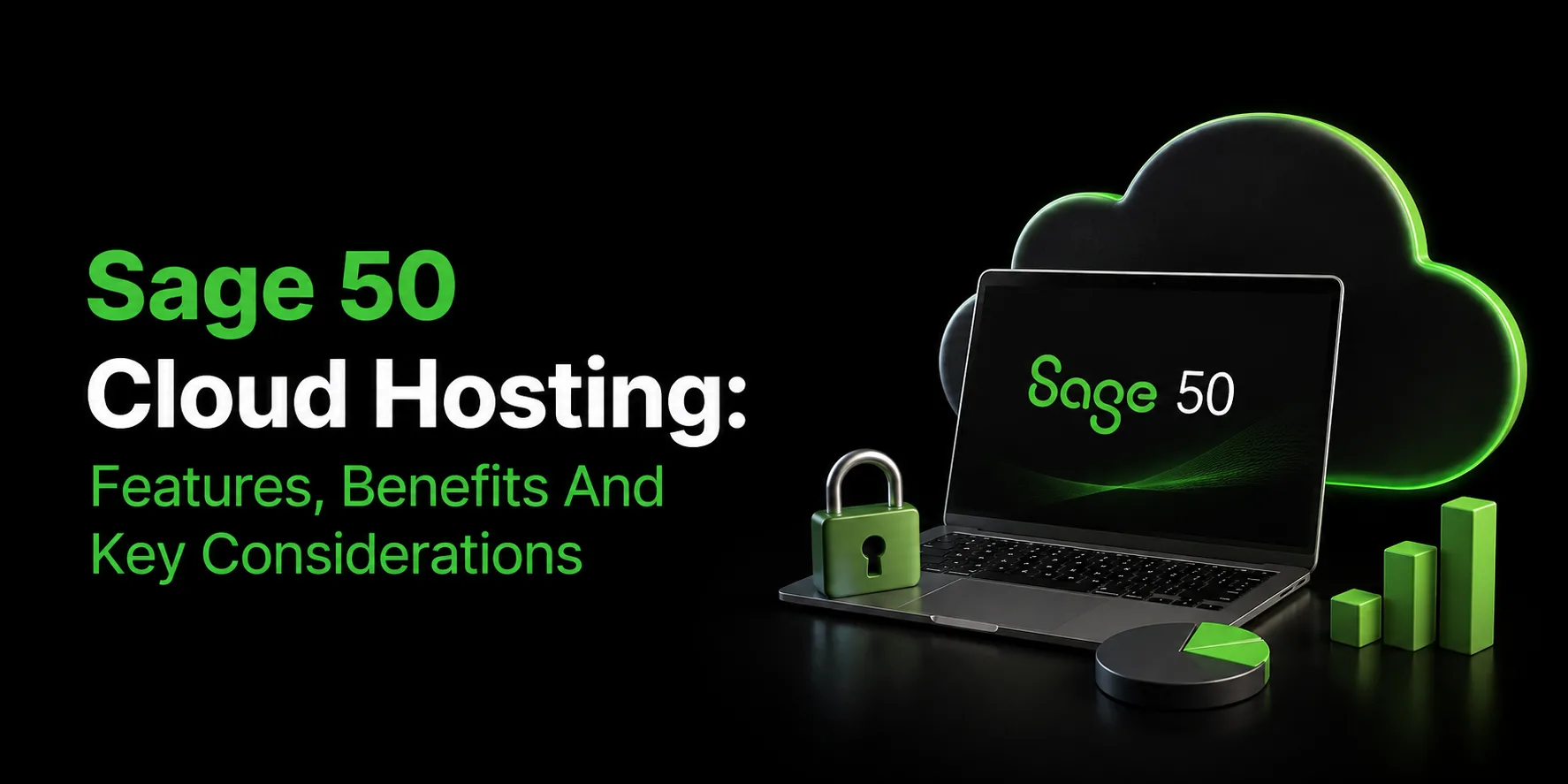
For businesses that rely on Sage 50 for accounting, financial management, payroll, invoicing, and reporting, moving from a traditional desktop setup to a cloud-hosted environment can provide greater flexibility and accessibility. Sage 50 cloud hosting allows businesses to run their familiar accounting software in a hosted cloud environment while reducing the need to maintain local servers and IT infrastructure.
With cloud hosting, employees can access Sage 50 from different locations, collaborate with accountants and team members, and work with centralized business data. Sage itself also highlights cloud-based access, real-time collaboration, automatic updates, and backups as key advantages of its modern cloud offering.
What Is Sage 50 Cloud Hosting?
Sage 50 Cloud Hosting is a service in which your Sage 50 software and company data are installed and maintained on a remote server managed by a third-party hosting provider, rather than on a local desktop or in-office server. You and your team log in through a secure virtual desktop or remote connection from any device with an internet connection, and the software behaves exactly as it would if it were installed locally.
It's worth clarifying a common point of confusion: Sage 50 Cloud Hosting is not the same solution as Sage 50cloud Accounting, Sage's own cloud-connected edition of the desktop software, or cloud-native platforms such as Sage Business Cloud or Sage Intacct. These are separate solutions built by Sage, with their own feature sets and pricing.
With Sage 50 Cloud Hosting, you retain every feature of the traditional desktop application, including advanced budgeting, departmental accounting, audit trails with drill-down, Crystal Reports, and support for your existing desktop add-ons. What changes is where the software runs, not what the software actually does.
Key Features of Sage 50 Cloud Hosting
Here are the key features to consider:
1. Remote, Multi-User Access
Hosted Sage 50 allows multiple users - including employees, bookkeepers, and external accountants - to log into the same company file simultaneously from different locations, without emailing files back and forth or dealing with version conflicts.
2. Full Access to Desktop Features
Because the underlying application doesn't change, you retain access to every feature you already rely on, including job costing, advanced inventory management, audit trails, and departmental accounting, delivered exactly as they work on a local installation.
3. Enterprise-Grade Security
Reputable hosting providers protect your financial data with end-to-end encryption, multi-factor authentication, firewalls, and infrastructure housed in SSAE-16/18-certified, Tier III or Tier IV data centers with round-the-clock physical and network monitoring.
4. Automated Backups and Disaster Recovery
Your data is backed up automatically on a regular schedule and stored securely offsite, so a local hardware failure, fire, or theft at your office doesn't put years of financial records at risk.
5. Automatic Updates and Patching
The hosting provider manages software updates, security patches, and maintenance in the background, so your team is always working with a current, supported version without manual intervention.
6. Scalable Infrastructure
As your business grows and you add users, storage needs, or processing demands, cloud resources can typically be scaled up or down without the cost and lead time associated with purchasing new physical hardware.
7. Cross-Device Compatibility
Hosted Sage 50 can be accessed from Windows and Mac computers and, in many cases, from tablets and Chromebooks, giving your team greater flexibility in how and where they work.
8. Integration With Everyday Business Tools
Cloud-hosted environments make it easier to connect Sage 50 with tools such as Microsoft 365, tax and payment automation add-ons, and other business applications your team already uses.
9. 24/7 Monitoring and Support
Hosting providers typically monitor server performance and security continuously and offer dedicated technical support, taking day-to-day infrastructure management off your internal IT team's plate.
Benefits of Sage 50 Cloud Hosting
Here are the key benefits of Sage 50 Cloud Hosting:
1. Lower Total Cost of Ownership
Moving away from an in-house server eliminates a range of ongoing costs, including upfront hardware purchases, server maintenance and replacement, electricity for running and cooling equipment, and the IT staff hours spent on backups and patching. Hosting is typically billed as a predictable monthly subscription instead.
2. Work From Anywhere
Your team is no longer tied to a single office computer. Whether someone is working from home, traveling, or on a job site, they can securely access live financial data whenever it's needed.
3. Real-Time Collaboration
When your accountant, bookkeeper, and business owner can all work in the same live company file at the same time, decisions are based on current numbers rather than outdated exports or emailed spreadsheets. This can speed up everything from monthly close processes to strategic planning.
4. Stronger Business Continuity
Because data is backed up offsite and the infrastructure is professionally managed, your business is better protected against disruptions caused by hardware failures, natural disasters, or local outages.
5. Improved Data Security and Compliance
Professional hosting providers generally invest in security infrastructure—including encrypted storage, MFA, and monitored data centers—that goes well beyond what most small businesses could reasonably build and maintain in-house.
6. Simplified IT Management
With the hosting provider handling servers, updates, and backups, internal staff can focus on the business rather than infrastructure maintenance.
Key Considerations When Choosing a Sage 50 Cloud Hosting Provider
Not all hosting providers are equal, and choosing the right one matters as much as choosing to move to the cloud in the first place. Before committing, evaluate the following:
- Data center certifications: Look for SSAE-16/18-certified facilities with strong physical security, redundant power, and high uptime ratings (Tier III or better).
- Uptime guarantees (SLA): A provider should commit to a clear uptime percentage, typically around 99.9%, backed by a service-level agreement.
- Backup policy: Confirm how often backups are performed, how long they are retained, and how quickly data can be restored if something goes wrong.
- Security measures: Ask about encryption standards, multi-factor authentication, firewall configuration, and how the provider monitors for threats.
- Support availability: Accounting issues don't always happen during business hours, so 24/7 support via phone, chat, or email can be a meaningful advantage.
- Licensing model: Understand whether the provider requires you to bring your own Sage 50 license (BYOL) or bundles licensing into the hosting fee, and how that affects the total cost.
- Add-on and integration compatibility: If you rely on specific add-ons, payment processors, or tax tools, confirm that they'll continue to work in the hosted environment.
- Migration process: Ask how the provider handles the move from your current setup, including expected downtime and data validation.
- Pricing transparency: Look for clear, predictable pricing without hidden fees, and check whether long-term contracts are required.
- Trial or guarantee period: A free trial or money-back guarantee lets you confirm that the hosted environment performs well for your team before fully committing.
Conclusion
Sage 50 Cloud Hosting gives businesses a flexible way to access their familiar Sage 50 desktop application without relying on local servers or individual computers. Features such as remote access, multi-user collaboration, automated backups, managed updates, scalable infrastructure, and security can support modern accounting needs while reducing IT maintenance.
Choosing the right hosting provider is essential. Businesses should evaluate uptime, security, backup policies, support, licensing, add-on compatibility, migration services, and pricing before making a decision. For businesses looking for a reliable Sage 50 hosting solution, Apps4Rent provides managed infrastructure, secure remote access, and technical support to help maintain a reliable and accessible Sage 50 environment.
Frequently Asked Questions
1. Is Sage 50 Cloud Hosting the same as Sage 50cloud Accounting?
No. Sage 50cloud Accounting is Sage's own cloud-connected edition of the desktop software, while Sage 50 Cloud Hosting is a service from a third-party provider that runs your existing Sage 50 application on a remote server. Both preserve desktop functionality, but they are different products with different providers.
2. Is my financial data secure with Sage 50 Cloud Hosting?
Reputable providers store data in SSAE-certified data centers and use safeguards such as encryption, multi-factor authentication, and firewalls, along with continuous monitoring. It's still worth confirming a provider's specific security practices before signing up.
3. Can multiple users work in Sage 50 at the same time when it's hosted?
Yes. One of the main advantages of hosting is that multiple team members, including outside accountants or bookkeepers, can log into the same company file simultaneously from different locations, avoiding version-control issues.
4. Will I lose any features by moving Sage 50 to the cloud?
No. Cloud hosting changes where the software runs, not what it does. You retain the full desktop feature set, including job costing, advanced inventory, audit trails, and support for compatible add-ons.
5. How much does Sage 50 Cloud Hosting typically cost?
Pricing varies by provider, the Sage 50 edition you use, the number of users, and whether you bring your own license or need one bundled in. Plans generally start in the range of $25–$30 per user per month, so it's best to request a quote based on your specific setup.