Understanding Apple Music Listening History on iPhone
Apple Music offers several built-in ways to track your listening habits, revisit favorite tracks, and discover the songs you play most often. Whether you want to find a recently played album or analyze your top songs of the year, your iPhone already includes useful tools for managing music history.
Listening history helps users rediscover tracks they may have forgotten, build better playlists, and improve Apple Music recommendations. Since Apple Music personalizes suggestions based on your activity, regularly reviewing your listening data can also help you fine-tune your music experience.
How to View Recently Played Songs in Apple Music
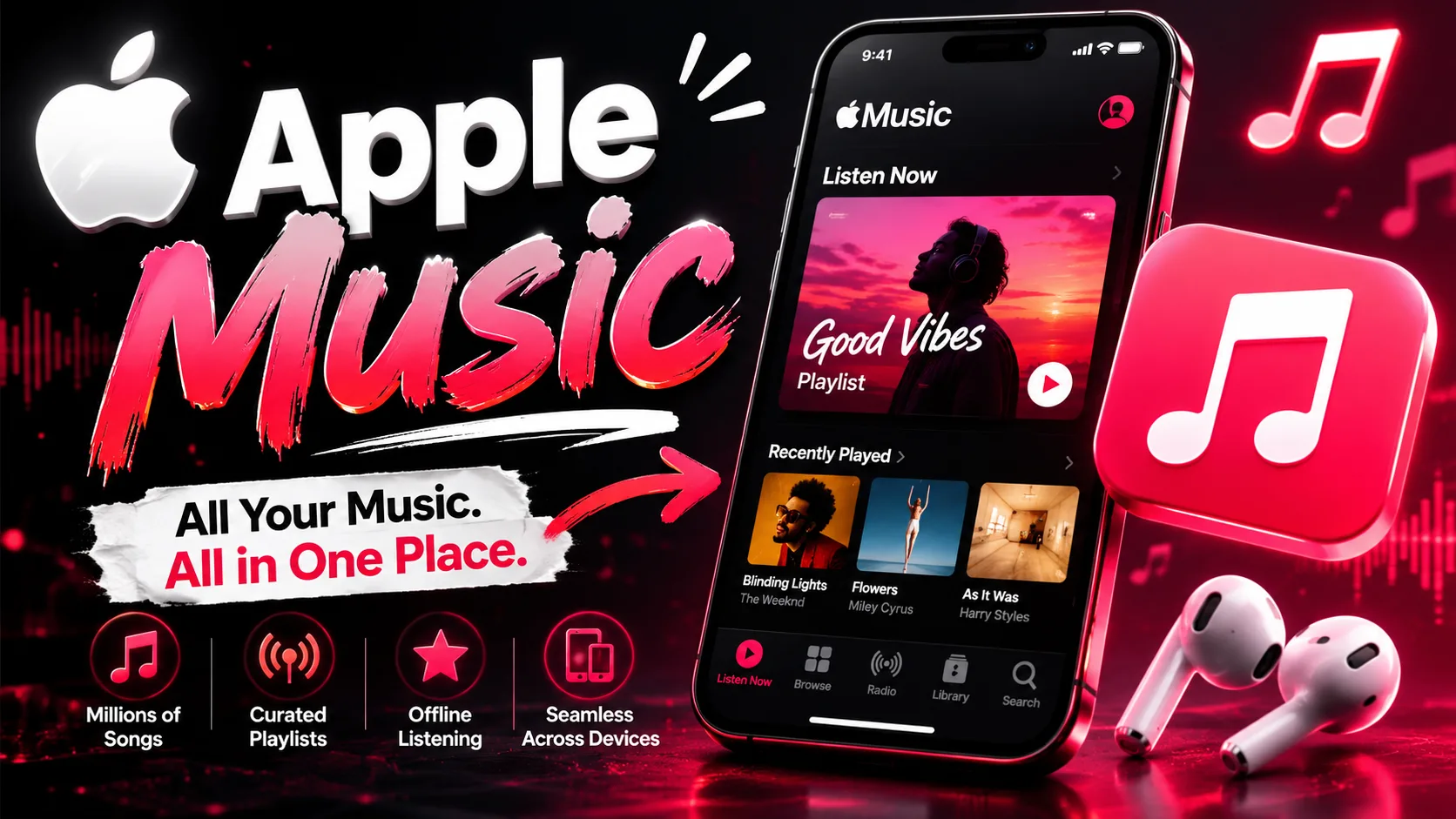
The easiest way to check your Apple Music listening history is through the “Recently Played” section inside the app. Open Apple Music on your iPhone and tap the Home tab. Scroll down until you find “Recently Played,” where you can see albums, playlists, and tracks you listened to recently.
For a more detailed song-by-song history, follow these steps:
- Open the Apple Music app
- Play any song
- Tap the mini-player at the bottom
- Select the three-line queue icon
- Scroll upward to view your listening history
This section shows previously played songs in chronological order. It is especially useful if you heard a track earlier in the day and forgot its title.
Users who enjoy streaming music daily often prefer devices with better storage, battery life, and audio performance. Many buyers today choose refurbished models to access premium Apple features at a lower cost. For example, an iphone 16 refurbished device can provide a smooth Apple Music experience while remaining budget-friendly.
How to Find Your Top Songs on Apple Music
Apple Music also tracks your most-played songs and artists over time. One of the best features is Apple Music Replay, which creates yearly playlists based on your listening activity.
To access Apple Music Replay:
- Open Safari on your iPhone
- Visit the Apple Music Replay website
- Sign in with your Apple ID
- View your top songs, artists, albums, and listening statistics
Replay playlists update regularly throughout the year, giving users a live overview of their music preferences. You can save these playlists directly into your Apple Music library and revisit them anytime.
This feature is useful for people who want to monitor changing music tastes or share favorite tracks with friends. It also helps users discover patterns in their listening habits, such as favorite genres or artists they stream repeatedly.
Managing Listening History Settings on iPhone
Apple Music gives users control over whether listening activity affects recommendations and personalized playlists. To manage these settings:
- Open Settings on your iPhone
- Tap Music
- Find “Use Listening History”
- Turn the option on or off
When enabled, Apple Music uses your listening data to improve recommendations and Replay statistics. If disabled, songs played on the device will not influence suggestions or top song rankings.
This setting is especially useful when multiple people use the same iPhone or when users prefer more privacy in their listening habits.
Benefits of Tracking Your Music Activity
Monitoring your listening history offers more advantages than simply revisiting old songs. It can help improve playlist organization, identify favorite artists, and create a more personalized entertainment experience.
Some key benefits include:
- Quickly finding songs you forgot to save
- Understanding your music preferences
- Improving Apple Music recommendations
- Building custom playlists from listening history
- Tracking seasonal or yearly music trends
For music enthusiasts who spend hours streaming every week, device performance matters significantly. Fast processors, strong battery health, and high-quality speakers improve overall listening quality. This is one reason why many consumers explore reliable platforms like Easy Phones when searching for affordable Apple devices.
A premium option such as the iphone 16 pro refurbished can deliver advanced audio performance, smoother multitasking, and extended battery efficiency for heavy Apple Music users.
Tips to Improve Your Apple Music Experience
To make the most of Apple Music on your iPhone, consider a few practical habits that improve organization and listening quality.
First, regularly save favorite tracks into playlists instead of relying entirely on history. This prevents songs from becoming difficult to locate later. Second, download frequently played music for offline listening to reduce data usage and avoid interruptions.
Users should also keep iOS updated because Apple regularly improves music playback performance, interface design, and recommendation systems through software updates.
Another smart approach is choosing devices with sufficient storage, especially if you maintain large offline music libraries. Refurbished iPhones can be an economical way to access premium Apple features without overspending.
Today, many buyers prefer purchasing second hand iphones online in india from trusted sellers because they offer verified quality, warranty support, and lower pricing compared to brand-new models.
Why Apple Music History Features Matter
Apple Music listening history is more than just a record of previously played songs. It functions as a personalized music management system that helps users reconnect with favorite tracks, improve recommendations, and better understand their listening habits.
With built-in features like Recently Played, queue history, and Apple Music Replay, iPhone users can easily access detailed insights into their music activity. These tools create a more engaging and customized streaming experience while helping users organize their favorite content more effectively.
As music streaming continues to evolve, having a reliable iPhone with strong performance and storage becomes increasingly important. Combined with Apple Music’s intelligent tracking features, users can enjoy a seamless entertainment experience tailored to their personal tastes.