n the modern digital landscape, businesses are always searching for effective ways to connect their offline audience with online experiences. QR codes have become one of the most powerful tools to bridge this gap. From product packaging to marketing campaigns, QR codes allow customers to instantly access digital content with a simple scan.
Custom QR codes take this concept a step further by allowing brands to personalize the design and appearance of the code. Instead of using a plain black-and-white QR code, businesses can add colors, logos, and unique patterns that align with their brand identity. This not only improves visual appeal but also increases trust and engagement with customers.
This step-by-step guide explains how to create custom QR codes that represent your brand and improve customer interaction.
What Are Custom QR Codes?
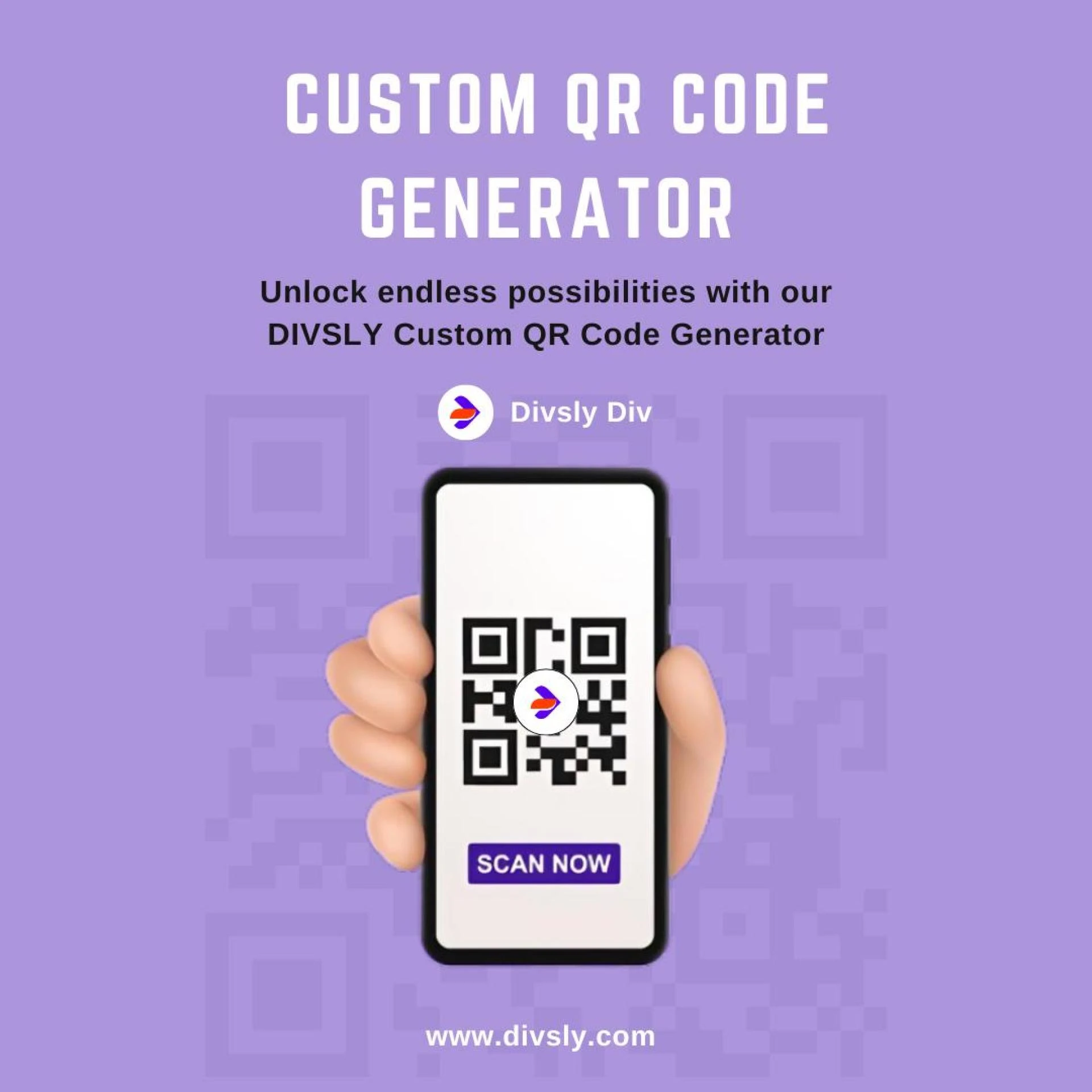
A custom QR code is a personalized version of a standard QR code Generator. While a regular QR code simply stores data such as a link or text, a custom QR code allows businesses to design the code with their own branding elements.
These QR codes can include brand colors, logos, frames, and design patterns. The customization helps make the QR code visually attractive and recognizable. Instead of appearing like a generic square code, it becomes a branded digital gateway that encourages people to scan it.
Custom QR codes are widely used in advertising campaigns, event promotions, restaurant menus, digital business cards, and product labels.
Why Custom QR Codes Are Important for Branding
Branding plays a crucial role in marketing. Every element that represents a business should align with its brand identity, including QR codes.
Using customized QR codes offers several advantages:
First, they increase brand visibility. When a QR code includes brand colors and logos, customers immediately associate it with the company.
Second, customized QR codes improve scan rates. People are more likely to scan a visually appealing code compared to a plain one.
Third, they help create a professional impression. A well-designed QR code shows that a brand pays attention to detail and user experience.
Finally, QR codes provide instant access to digital information such as websites, landing pages, videos, social media profiles, or promotional offers.
Step 1: Choose the Type of QR Code
The first step in creating a custom QR code is selecting the type of content you want the code to link to.
QR codes can connect users to various types of digital content, including:
• Website URLs
• Images
• Social media pages
• Product pages
• Online menus
• Promotional videos
Choosing the correct type depends on the goal of your campaign. For example, if you want customers to visit your website, you should create a QR code that links directly to your webpage.
Step 2: Enter the Information or Link
Once you select the QR code type, the next step is to input the information that the code will store. This could be a website link, an image link, or any other online resource.
When someone scans the QR code using a smartphone camera or QR scanner, the stored link automatically opens on their device. This eliminates the need for users to manually type long URLs and makes accessing information quick and convenient.
Step 3: Customize the QR Code Design
Customization is what transforms a basic QR code into a powerful branding tool.
You can personalize your QR code by adjusting several design elements such as:
• Changing the color of the QR code
• Adding your brand logo at the center
• Selecting different patterns for the code dots
• Applying unique frames or shapes
These visual enhancements make the QR code more attractive and encourage users to scan it. However, it is important to maintain sufficient contrast between the background and the QR code so that it remains easy to scan.
Step 4: Select Static or Dynamic QR Codes
When generating QR codes, you will typically have two options: static or dynamic.
Static QR codes contain fixed information. Once they are created, the stored data cannot be changed. If you need to update the link later, you would have to create a new QR code.
Dynamic QR codes offer more flexibility. They allow you to change the destination link even after the QR code has been printed or shared. This is especially useful for marketing campaigns that may need updates over time.
Businesses often prefer dynamic QR codes because they provide greater control and adaptability.
Step 5: Generate and Download the QR Code
After entering the content and customizing the design, the next step is to generate the QR code.
The system will create a high-resolution QR code that can be downloaded and used in both digital and printed materials. Businesses often place QR codes on:
• Flyers
• Posters
• Product packaging
• Business cards
• Websites
• Social media posts
High-quality QR codes ensure clear scanning across all types of devices.
Step 6: Test the QR Code Before Publishing
Before launching your QR code in a campaign, testing is extremely important.
Scan the code using multiple devices to confirm that it works correctly. Make sure it opens the correct link and loads quickly. Testing helps prevent errors that could affect user experience or reduce engagement.
Step 7: Monitor Performance and Engagement
QR codes can provide valuable insights into user behavior. By tracking scans and engagement data, businesses can understand how their audience interacts with their campaigns.
This data can reveal how many people scanned the code, which devices they used, and where the scans occurred. These insights help improve future marketing strategies and optimize campaign performance.
Best Practices for Creating Effective Custom QR Codes
To ensure your QR codes perform well, follow these best practices:
Use brand colors that align with your visual identity while maintaining strong contrast for easy scanning.
Include your company logo in the center of the QR code to improve brand recognition.
Add a clear call-to-action near the QR code, such as “Scan to Learn More” or “Scan for Exclusive Offers.”
Place the QR code in visible and accessible locations so users can scan it easily.
Always test the QR code before launching it publicly.
Conclusion
Custom QR codes have become an essential marketing tool for modern businesses. They provide a simple yet powerful way to connect offline materials with online experiences.
By following a structured process—choosing the right QR code type, adding your content, customizing the design, and testing the final result—you can create QR codes that strengthen your brand identity and improve user engagement.
When used effectively, custom QR codes can turn everyday marketing materials into interactive experiences that attract attention, increase customer interaction, and drive meaningful results for your brand.