Website design is not just a pretty picture, but a powerful marketing tool that influences user decisions and, as a result, sales. For a business, a website often becomes the first point of contact with a client. If the website is inconvenient or looks unprofessional, the user will simply go to competitors. In this article, we will analyze what UX and UI design are, why they are important for your business, and how you can improve them on your website.
What is UX and UI design: explanation and examples?
In simple terms, UX and UI design are like two sides of the same coin; the user's impression of the site depends on them, but the focus is different. UX designer focuses on the user's interaction with information - convenience, accessibility, and clarity. UI - on the appearance: beauty, harmony, compliance with trends.
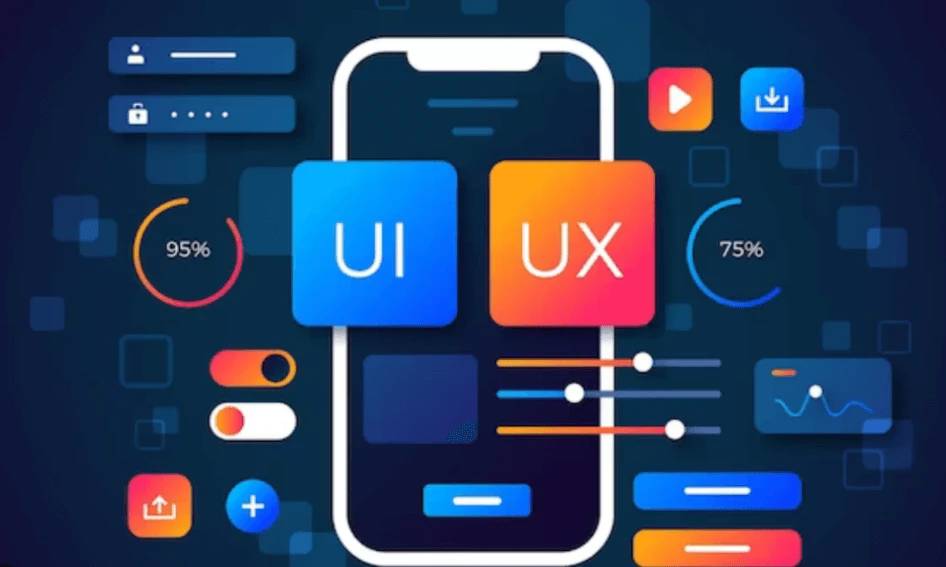
What Is UX Design?
UX (User Experience) is the user experience that they get when interacting with a website. Are the pages convenient, is it clear where to look for information, and is it easy to perform the desired action? Good UX design simplifies the process; bad UX design irritates and makes you leave.
This is what you need to pay attention to.
Ease of navigation. The interface should meet expectations: the "Cart" is in the upper right corner, the search bar is at the top, the main information is in the center, and so on.
Clear functionality. With good UX design, the user understands what can be done with each element: whether the slider is scrolling, whether the header is clickable, whether the information is currently loading, or whether everything is frozen.
Accessibility of actions. For example, on many landing pages, the button "Buy" or "Register" is found several times: if you want to become a client, you don't have to look for the right link. It should be easy for the user to move to the desired action: for example, if there is a bright banner with a promotion on the page, a button is needed by clicking on which user to use the offer or read the detailed terms.
Another example: the form below allows you to register in one click or go to the page about the service; no need to search for information about the service in the menu above.
What Is UI Design?
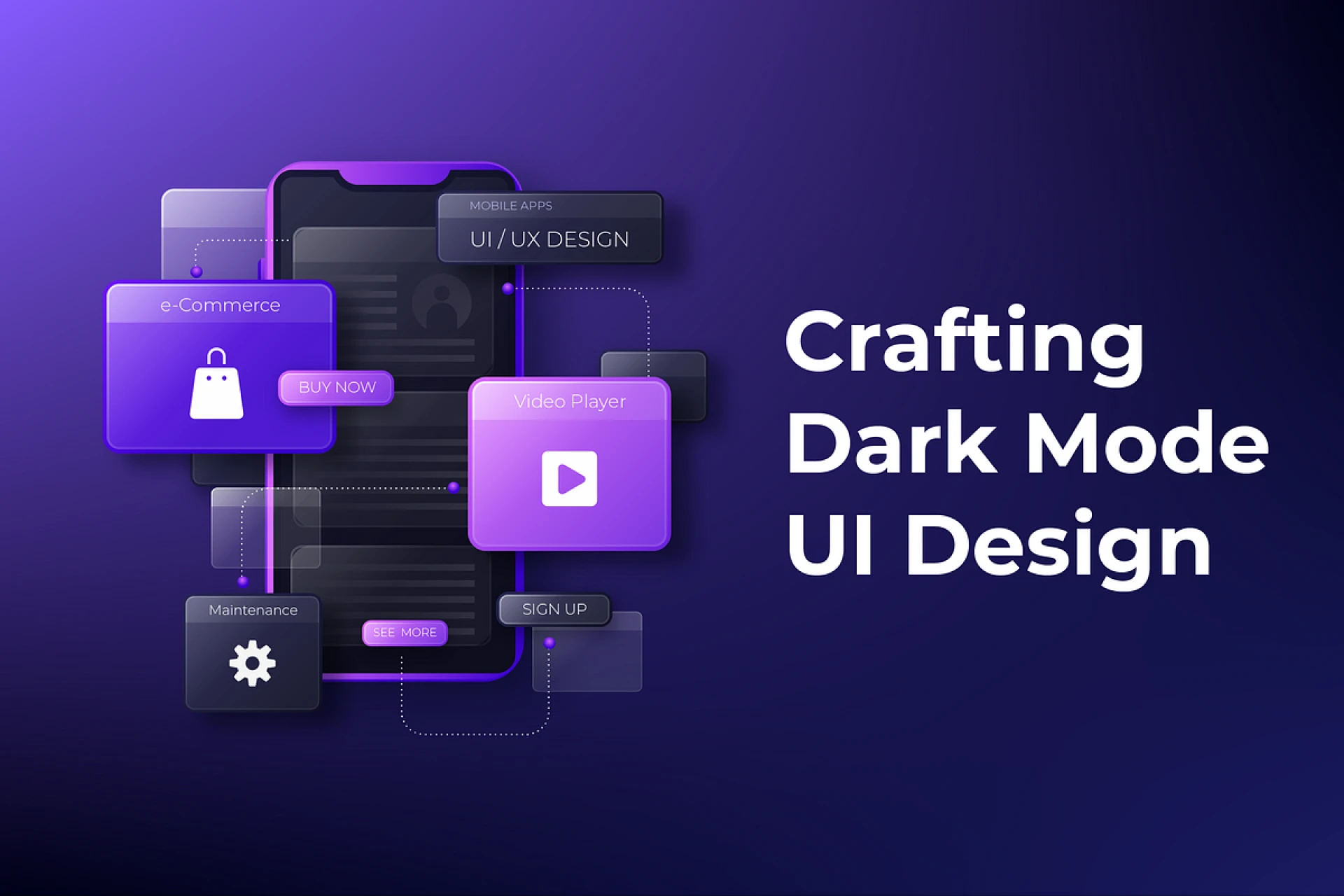
UI (User Interface) is the visual part: buttons, fonts, colors, images, animations and other elements that the user sees on the screen. If the UX designer comes up with where the banner should be located and what buttons there should be, then the UI specialist is responsible for how it will look.
Let's consider the main components.
Colors should match the brand and support familiar associations. For example, red is often associated with energy and urgency, so it is used to attract attention - "Buy now" buttons or promotions. Green is associated with harmony with nature, blue with calmness and professionalism, and black with premium products.
Fonts. They should be easy to read and match the style. From a UI design perspective, it is best to use no more than 2-3 fonts on a website: one for headings, another for the main text, and a third for quotes. This helps maintain a unified style and avoid visual chaos.
Icons and images. High-quality images help to understand information faster than text, and also evoke emotions and trust in the site. These can be photos of real employees, products/services, certificates, the production process, etc. Icons in blocks allow you to understand what is being discussed, even without reading the text.
Animations. Moderate use of animations in UI design makes the interface more lively and modern. Such an impression is created, for example, by the smooth appearance of elements. And micro-animations, such as loading or confirmation of an action, make the process more understandable. The main thing is to use animations moderately, they should complement the content, and not overload the site.
From a brief explanation, it is clear what UX and UI mean for a website. They are equally important: a user will not linger on a beautiful but incomprehensible website and quickly leave a convenient but outdated one. High-quality UI design will strengthen the company's image and increase trust in the brand, and a good design company will ensure outstanding UI UX design services in Dubai customized to meet the requirements of contemporary businesses.
How to Evaluate UX/UI Design on Your Website?
Above, we looked at the difference between UX and UI website design and showed what they mean for business and how they affect visitors. The question remains: how to understand the user experience — is it convenient, do they like the visuals?
This is what will help evaluate UX/UI design and find growth points.
Usability analysis. As can be seen from the concept of UX design, at this stage, you need to understand whether the site is convenient. Imagine what the user would do - register, search, compare products, add them to "Favorites" - and reproduce it. Identify difficulties - for example, is everything clear in the comparison, is the block with favorite products accessible, are important icons lost against the background of bright content? If it is not possible to work with an expert, ask friends who are seeing your site for the first time to "walk" around it as if they were buyers. And if there is a free budget, you can conduct research using Google View.
User behavior analysis. If there is no way to survey real users, you can use Google Metrica. For example, Webvisor offers anonymized visit records. So, if a user randomly clicks on different menu items and does not view pages, you can assume that he does not understand where to look for an answer to his question. If he tries to click on a non-clickable element, you probably need to design it differently; if many people scroll the page up, you need to add a button that will do this automatically. A click map will show where users click. You can use a heat map: the warmer the color, the more clicks fall on this point. If useful links are often ignored, likely, the buttons are likely not perceived as clickable.
How to Work on UX and UI with a Designer?
Knowing what UX and UI design is is useful, but to get more conversions, you need interesting ideas and skills. Therefore, if you decide to improve the site, you will need the help of a designer.
Let's consider the main stages of work.
1. Set goals. Share the conclusions you made in the previous stages. For example, you may have discovered that the UI design of the site seems outdated, and the portfolio does not look as impressive as your competitors.
2. Study the audience. It is necessary to understand what is important to these people and what emotions and associations they would like to experience from the site. Let's say the clients of a children's goods store are wealthy families, they value beauty and high-quality materials, do not like cheap plastic, they are repelled by flashy colors. This means that in UI design, it is worth focusing on calm, complex colors that are associated with the premium segment, emphasizing naturalness and the author's approach.