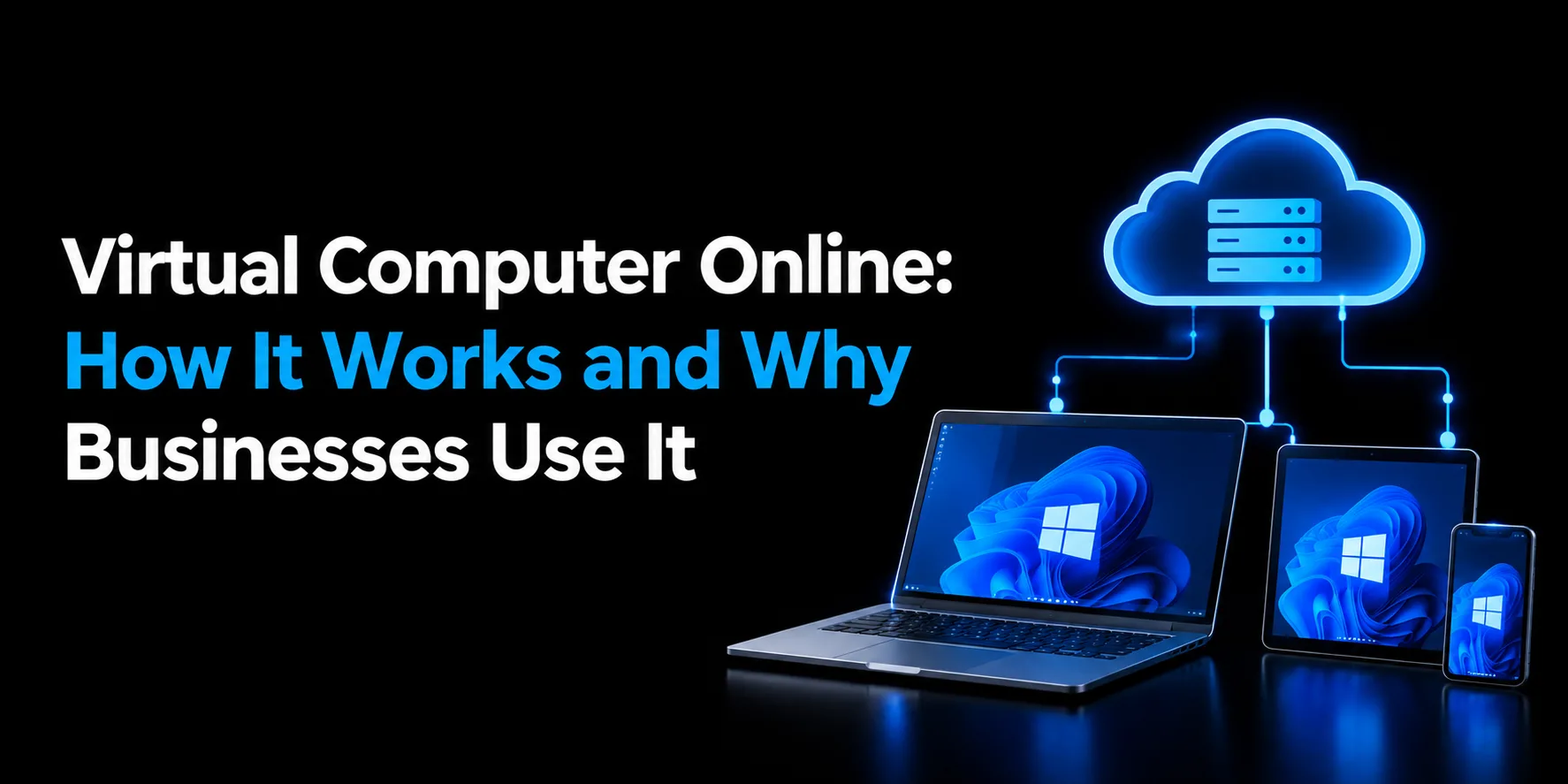
Businesses no longer need to rely entirely on physical computers located in an office. With cloud-based computing, employees can access a complete desktop environment from laptops, tablets, and other supported devices. A virtual computer online provides this flexibility by hosting the desktop environment on remote infrastructure and delivering it over the internet.
This approach can help businesses support remote employees, simplify desktop management, and provide consistent access to applications and work resources. Instead of depending on the hardware sitting on an employee's desk, the computing environment is hosted centrally and accessed remotely.
What is a Virtual Computer Online?
A virtual computer online is a cloud-based computer that you can access through the internet using a laptop, desktop, tablet, or other device. It runs applications, stores files, and performs tasks like a physical computer but uses remote servers instead of local hardware. Virtual computers are useful for remote work, business applications, software testing, and accessing powerful computing resources without purchasing expensive equipment.
How Does a Virtual Computer Online Work?
The process is relatively straightforward from the user's perspective.
1. The Desktop Environment Is Hosted Remotely
A provider creates and hosts a virtual machine or desktop environment on centralized infrastructure. The environment can include the operating system, business applications, storage, and required configurations.
2. Users Connect Through the Internet
Employees use an approved remote-access application or web-based connection to access their hosted environment. Depending on the service, users may connect from Windows PCs, Macs, mobile devices, or other supported platforms.
3. Applications Run Within the Hosted Environment
Business applications installed on the hosted computer run within that environment rather than relying entirely on the local device. This allows employees to work with the same applications and desktop setup from different locations.
4. Data Can Remain Centrally Managed
Instead of keeping important business files exclusively on individual employee computers, organizations can keep data within centrally managed infrastructure. This can make administration, backups, access controls, and security policies easier to manage.
Why Businesses Use Virtual Computers Online
There are several reasons organizations are moving desktop workloads away from individual physical machines.
1. Access From Different Locations
Employees can access the same desktop environment whether they are working from home, the office, or while traveling.
This is particularly useful for businesses with remote and hybrid teams because employees do not necessarily need to carry the same physical computer between locations.
2. Support for Multiple Devices
A virtual computer online can be accessed from various device types, depending on the hosting platform. Employees may be able to use Windows PCs, Macs, tablets, smartphones, or other supported devices.
The computing workload remains on the hosted infrastructure rather than being handled entirely by the local device.
3. Centralized Application Management
Applications can be installed and maintained within a centralized environment instead of being configured individually on every employee's computer.
For IT teams, centralized management can simplify software deployment, updates, user access, and configuration.
4. Reduced Hardware Dependence
Businesses may not need to purchase high-end computers for every employee. Since much of the processing happens remotely, existing computers can sometimes be used to access the hosted environment.
This can be particularly useful when employees need applications that require more resources than their current devices provide.
5. Easier Employee Onboarding
When a new employee joins, IT teams can provision access to an existing desktop environment rather than configuring an entirely new physical workstation.
User permissions can also be adjusted centrally when employees change roles or leave the organization.
6. Business Continuity
A hosted desktop environment can also support business continuity strategies. Business applications and data can remain within centralized infrastructure rather than being dependent on a single employee's physical computer.
Regular backups and appropriate security controls can further help organizations prepare for hardware failure, accidental data loss, or other disruptions.
Security Considerations
Security is an important part of any hosted desktop environment, particularly when employees access business applications and data remotely. Key protections to consider include:
- Encrypted Connections: Data transferred between the user’s device and hosted desktop is protected through encrypted connections.
- Multi-Factor Authentication: MFA adds an additional layer of protection beyond usernames and passwords.
- Firewall Protection: Enterprise-grade firewalls help protect the hosted environment from unauthorized network access.
- Windows Defender: Built-in security tools help protect the desktop environment against common threats.
- Daily Backups: Regular backups help businesses restore data in the event of accidental deletion, system issues, or other disruptions.
- Access Controls: Administrators can assign different access levels to employees based on their roles and responsibilities.
- SOC 2 Type II Infrastructure: Hosted desktops can run on certified infrastructure designed around security, availability, and data protection requirements.
Virtual Computer Online vs. Traditional PC
A traditional PC keeps its operating system, applications, processing power, and often business files on the physical device.
With a hosted environment, much of this computing infrastructure is moved to remote servers.
FeatureVirtual ComputerTraditional PCComputing locationRemote serverLocal deviceHardware dependenceLowerHigherRemote accessBuilt into the modelUsually requires additional solutionsApplication managementCentralizedDevice by deviceHardware replacementLess frequent user-side replacementRequired when hardware becomes outdatedEmployee mobilityHighLimited by the physical deviceIT managementCentralizedOften distributed across devicesThe right choice depends on the organization's applications, security requirements, budget, connectivity, and IT resources.
Who Can Benefit From This Approach?
A hosted desktop can benefit businesses that need secure, flexible access to applications and data from different locations.
- Remote & Hybrid Teams: Access the same desktop environment from anywhere.
- Small & Growing Businesses: Reduce dependence on expensive physical hardware.
- Accounting & Finance Firms: Run business and accounting applications from a centralized environment.
- Healthcare Organizations: Provide controlled access to applications and data.
- Educational Institutions: Give students and staff access to required software.
- Design & Engineering Teams: Support resource-intensive applications with scalable computing resources.
What Should You Consider Before Choosing a Solution?
Not every business needs the same type of hosted desktop. Before selecting a provider, consider the following:
- Performance: Determine how much RAM, CPU, storage, and graphics performance your applications require.
- Application compatibility: Confirm that the software your employees use can run within the hosted environment.
- Security: Review authentication, encryption, backups, access controls, and infrastructure security.
- Device compatibility: Check which operating systems and devices employees can use to connect.
- Support: Look for support availability that matches your business requirements.
- Scalability: Make sure users and computing resources can be added or adjusted as your organization grows.
- Pricing: Compare the complete monthly cost, including licensing, storage, support, backups, and additional resources.
Conclusion
A virtual computer online moves the computing environment from an individual physical machine to remotely hosted infrastructure. This can give businesses more flexibility, centralized management, remote accessibility, and reduced dependence on expensive desktop hardware.
For businesses that want a managed virtual desktop environment, Apps4Rent is a best cloud hosting provider trusted by 10,000+ businesses across 90+ countries since 2003. Its hosted virtual desktop solutions are backed by SOC 2 Type II-certified infrastructure, up to 99.9% uptime, daily backups, and 24/7/365 support via phone, chat, and email. With flexible, pay-only-for-what-you-use pricing and no heavy upfront investment, Apps4Rent helps businesses run a secure, reliable computing environment without managing the infrastructure themselves.