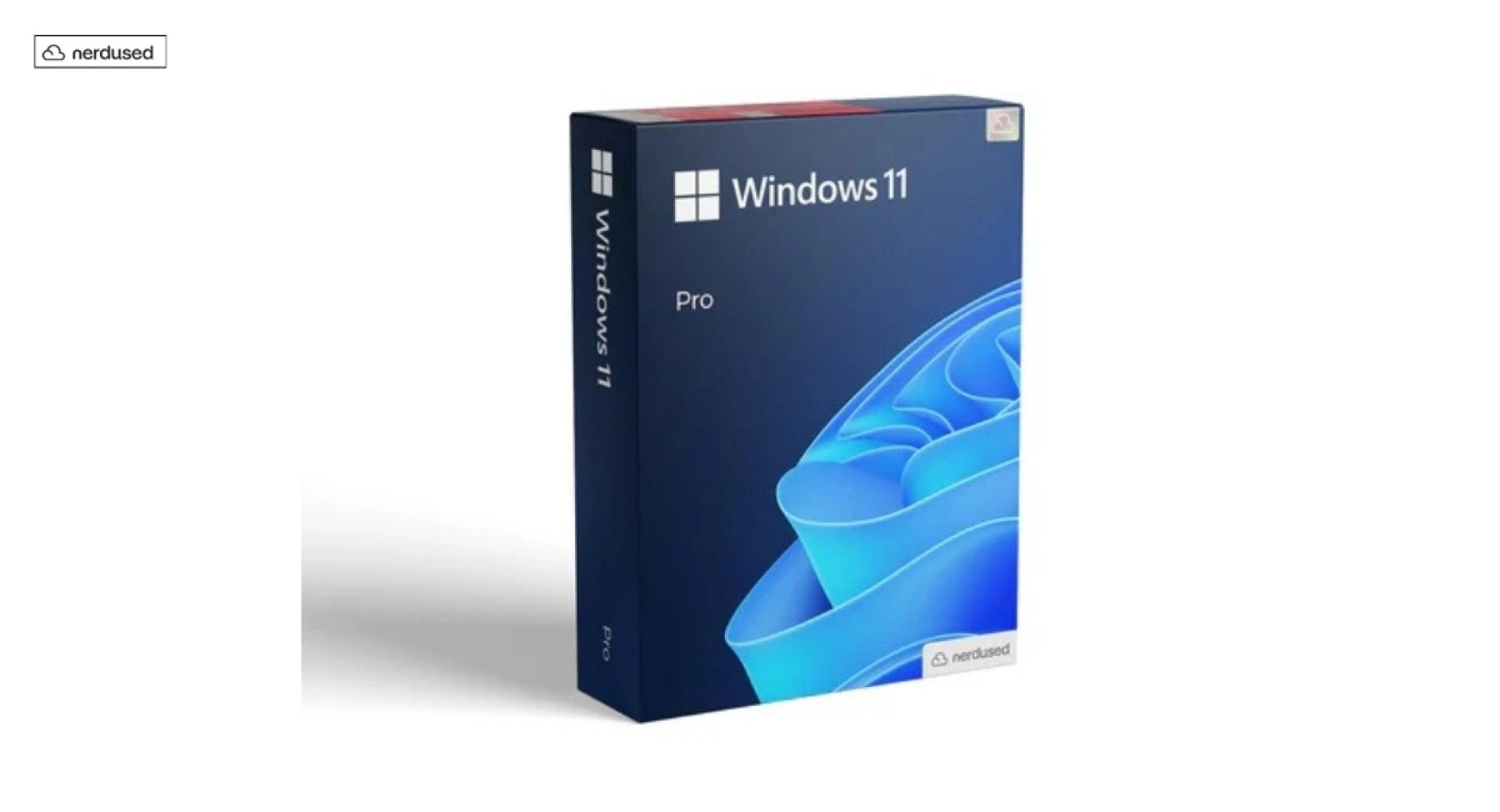
Windows 11 Pro is a version of Windows made for people who want extra security and more control on their PC. It looks the same as the Home edition, but it includes tools that are useful for work, remote access, and managing settings. If you use your computer for client files, office tasks, or serious study, these upgrades can make daily use simpler and safer.
Stronger security for real life situations
The biggest reason many people choose Windows 11 Pro is security. If you carry a laptop to work or school, losing it is stressful. Pro includes BitLocker, which can encrypt your drive. That means if someone steals your device, it is much harder for them to read your files by removing the storage.
You also get better control over sign in and device rules. Windows Hello works on Home too, but Pro adds more business friendly settings that help keep accounts locked down. In plain terms, Pro is built for people who need to protect data, not just open apps.
Remote Desktop and work friendly access
Remote Desktop is another feature that matters in everyday use. With Pro, your PC can act as the host, so you can connect into it from another device when you are away. This is helpful if you forget a file at home, need to run a program that is only installed on your main PC, or want to access a work desktop while traveling.
Pro can also connect to business networks more easily. Many workplaces use Domain or Azure Active Directory style sign-ins. Pro is designed to fit into those setups, so IT teams can apply rules and keep devices consistent.
Better control of settings and updates
Windows 11 Pro includes tools that let you control system settings at a deeper level. Group Policy is a common example. It lets you manage things like security rules, login requirements, and certain system behaviors without hunting through many menus.
Updates are also easier to plan. With Windows Update for Business features, organizations can reduce surprise restarts during meetings. Even for a small office, having more control over when updates install can prevent annoying interruptions.
Safe testing with built in tools
Pro includes features that help you test software more safely. Windows Sandbox lets you open something in a temporary space that resets when you close it. Hyper V virtualization support is also useful if you want to run a virtual machine for testing. These tools are popular with IT staff, students in tech programs, and anyone who wants to experiment without risking their main system.
About the “windows 11 pro key free” search
Many people search for Windows 11 pro key free because they want to activate Windows without paying. The problem is that random keys shared online are often already used, blocked, or linked to unknown sources. Some keys may only help with installation, not real activation, so the PC still shows warnings later.
A safer approach is to check whether your device already has a digital license, or whether your school or workplace provides one. Also follow the basic advice shared by many software support guides: install Windows using official tools and activate inside the Settings app, not through modified files.
Who should choose Pro
Windows 11 Pro makes sense if you need BitLocker encryption, Remote Desktop hosting, business sign in options, or deeper system control. If you only browse the web, watch videos, and write basic documents, Home may feel the same day to day.
FAQs
Is Windows 11 Pro worth it for a home user?
It can be. If you want drive encryption, remote access, or extra control over security settings, Pro is useful even at home. If you do not need those features, Home is usually enough.
Is “windows 11 pro key free” a safe way to activate Windows?
In most cases, no. Keys posted online are often unreliable and can cause activation problems later. The safer route is using a valid license from a trusted source or checking if your PC already has a digital license.