A smart home can make daily tasks easier by connecting lights, security devices, climate controls, entertainment systems, and other equipment. However, these devices still need regular care to work properly. For homeowners using smart home automation dubai, simple maintenance can help keep the system reliable and reduce common problems.
Why Does Smart Home Maintenance Matter?
Smart home systems include several devices that communicate with each other through a network. Over time, software may become outdated, batteries may lose power, and connections can become less stable.
Regular maintenance helps identify these small issues before they affect the whole system. It also gives homeowners a chance to check whether each device is working as expected.
Check Devices and Connections Regularly
One of the easiest maintenance tasks is checking the physical condition of smart devices. Look at sensors, switches, cameras, control panels, speakers, and other connected equipment for signs of damage or loose connections.
Wireless devices should also be checked for stable communication. If a device often becomes disconnected, the problem may be related to its network connection, distance from the router, or another connected device.
Keeping equipment clean is also useful. Dust can collect around vents, sensors, screens, and other surfaces. A soft, dry cloth can usually be used to clean these areas without damaging the equipment.
Keep Software and Apps Updated
Smart home devices often depend on software to provide their features. Manufacturers may release updates to improve performance, fix errors, or add compatibility with other devices.
Homeowners should check the device applications and control systems for available updates. Where possible, automatic updates can make this process easier.
It is also important to keep the mobile phone or tablet used for home control updated. An outdated application may not work correctly with newer versions of a smart home system.
Check Batteries in Wireless Devices
Many smart sensors, door contacts, remotes, and other wireless devices use batteries. A weak battery can cause delayed responses or make a device stop working.
Battery levels should be checked at regular intervals. Devices that are important for security or access should receive extra attention so that a low battery does not go unnoticed.
Some systems provide low-battery notifications through an app. These alerts should not be ignored because replacing a battery is usually much easier than dealing with an unexpected device failure.
Review the Home Network
The home network is an important part of many smart home systems. Connected devices depend on stable Wi-Fi or wired connections to communicate.
Check the router regularly and make sure it has a suitable location with good coverage. If some devices frequently lose connection, homeowners can check signal strength and network settings.
It is also useful to review the list of connected devices from time to time. Removing devices that are no longer used can make the network easier to manage.
Test Smart Home Features
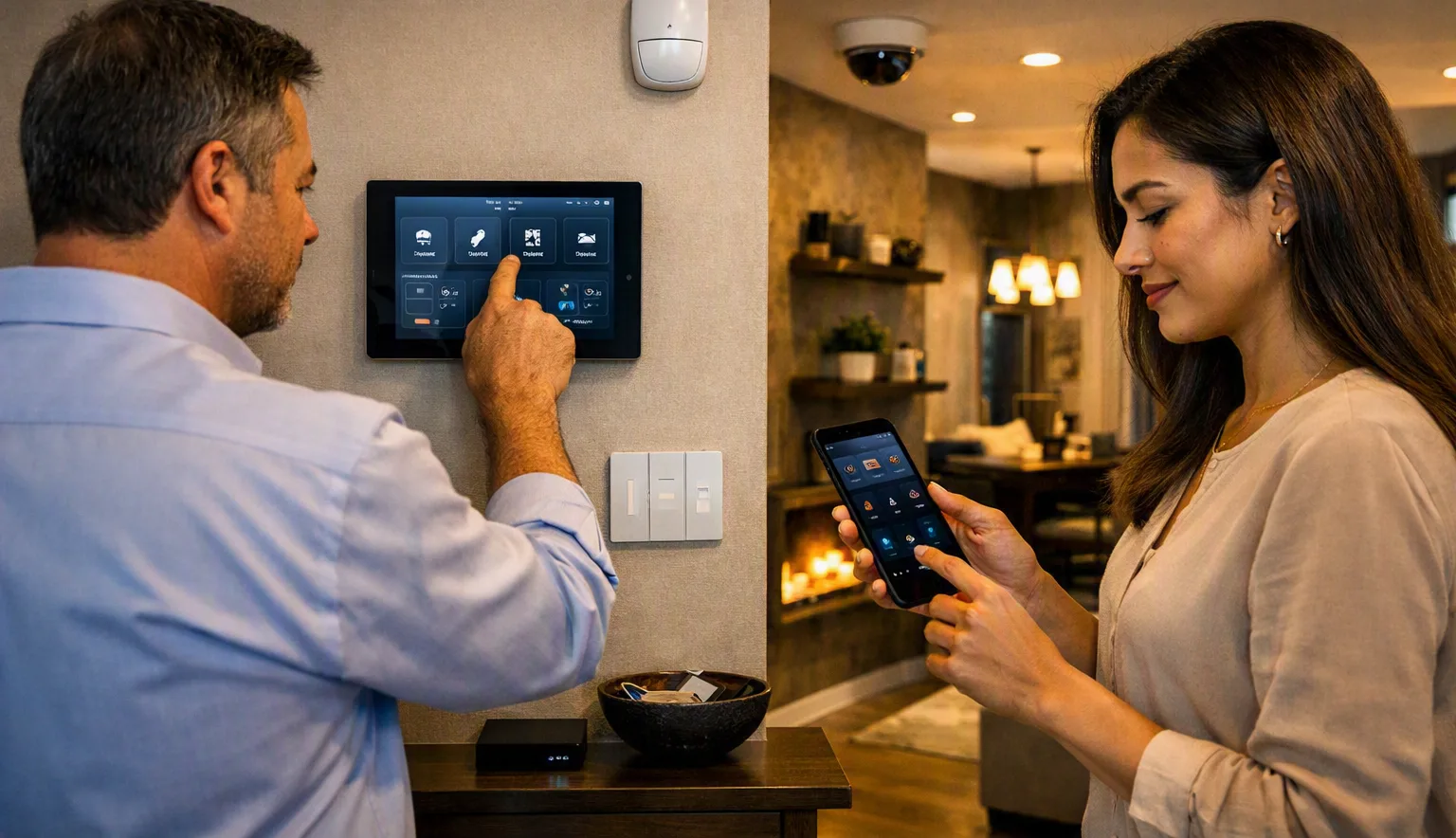
A smart home system should be tested periodically rather than only when something goes wrong. Try common functions such as turning lights on and off, adjusting temperature settings, checking sensors, and using the main control application.
If the system includes automated schedules, check whether they are still correct. Changes in daily routines may make some old schedules unnecessary.
Testing also helps homeowners notice slow responses, failed commands, or devices that are no longer communicating properly.
Maintain Security Settings
Connected home devices should have strong account protection. Homeowners should review passwords, user access, and account permissions from time to time.
If someone no longer needs access to the system, their account should be removed. It is also a good idea to review connected services and disable access that is no longer required.
Keeping software updated is another important part of maintaining a secure connected home.
When Should Professional Help Be Considered?
Basic tasks such as cleaning devices, replacing batteries, and checking applications can often be handled by homeowners. More complex problems may need professional attention.
Professional help can be useful when several devices stop communicating, automation rules fail repeatedly, wiring needs inspection, or new equipment needs to be added to an existing system.
Regular checks do not have to be complicated. A simple maintenance routine that includes device testing, software updates, battery checks, network checks, and security reviews can help a smart home continue working smoothly.
For homeowners using smart home automation dubai, consistent maintenance is a practical way to keep connected devices reliable and ready for everyday use.