Ask any experienced marketer what makes SEO campaigns successful, and you will rarely hear “tools” as the first answer. Strategy, consistency, and understanding search intent come first. But once those are in place, the right tools can make execution faster, smarter, and far more effective.
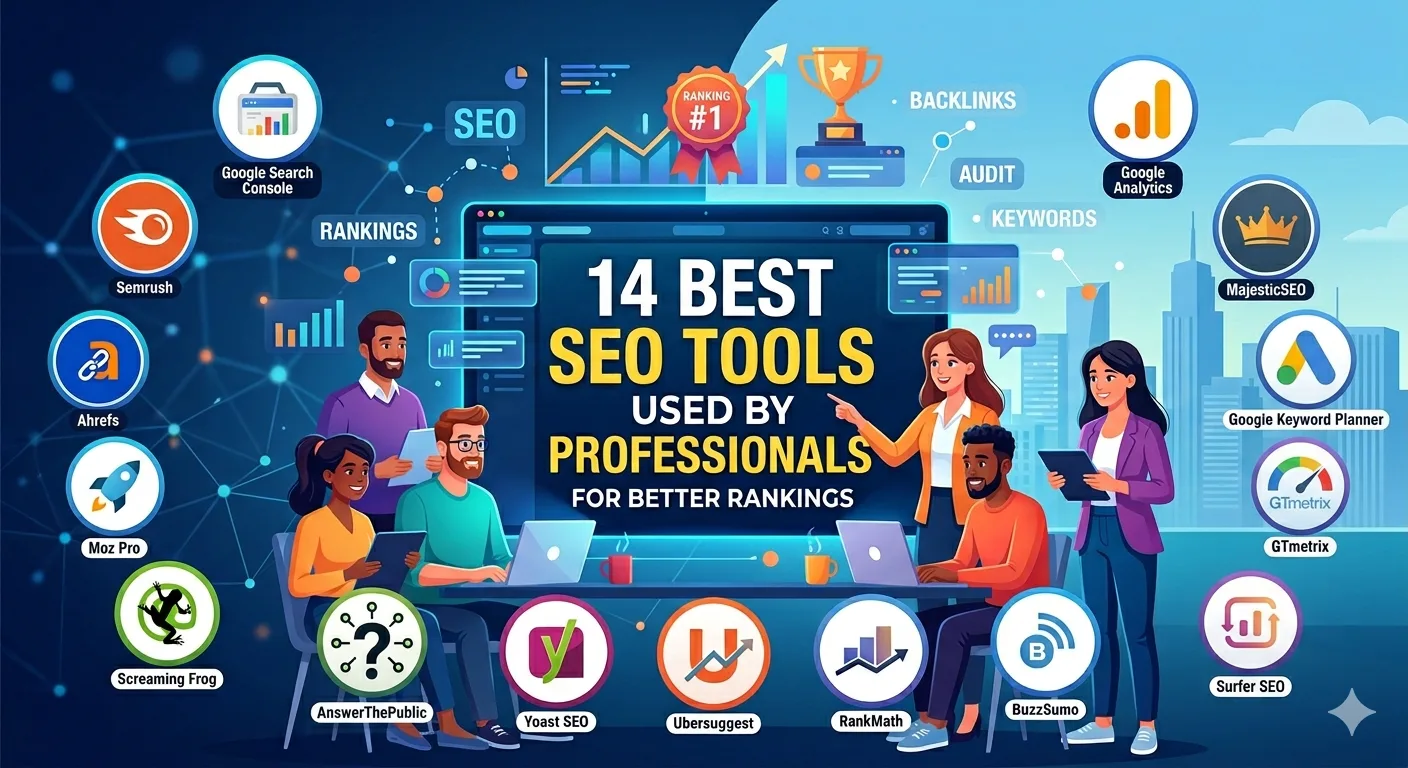
From agencies offering digital marketing services to in-house teams, professionals rely on a core set of SEO tools to handle research, optimization, tracking, and technical audits. Here is a practical breakdown of 14 tools that are actually used in real workflows.
Why SEO Tools Matter in Real Campaigns
SEO is no longer about guesswork. You need data to understand what people search for, how competitors rank, and where your website stands.
Good tools help you:
- Identify high-intent keywords
- Track ranking performance
- Fix technical issues
- Analyze competitors
- Improve content quality
For an internet marketing company, these tools are not optional. They are part of daily operations.
1. Google Search Console
This is the foundation of any SEO setup.
What It Helps With
- Tracking search performance
- Identifying indexing issues
- Monitoring clicks and impressions
Real Insight
If your pages are not indexed properly, nothing else matters. This tool gives you direct visibility into how Google sees your site.
2. Google Analytics
While not purely an SEO tool, it is essential for understanding user behavior.
What It Helps With
- Traffic analysis
- Bounce rates
- Conversion tracking
It connects SEO efforts with real business outcomes.
3. Ahrefs
One of the most widely used tools for backlinks and competitor research.
Key Features
- Backlink analysis
- Keyword research
- Content gap analysis
Practical Use
Professionals often use Ahrefs to understand why competitors rank and how to close that gap.
4. SEMrush
A complete suite for SEO and search engine marketing services.
What It Offers
- Keyword tracking
- Site audits
- PPC insights
It is especially useful for agencies managing multiple campaigns at once.
5. Screaming Frog
A powerful crawling tool for technical SEO.
What It Helps With
- Finding broken links
- Identifying duplicate content
- Analyzing site structure
Real Insight
This tool is often used during audits to uncover issues that are not visible on the surface.
6. Ubersuggest
A simpler alternative for keyword research and content ideas.
Why Use It
- Easy to understand
- Good for beginners
- Useful for quick insights
It is often used alongside other tools for validation.
7. Moz Pro
Known for its domain authority metric and user-friendly interface.
What It Helps With
- Keyword tracking
- Link analysis
- On-page optimization
Many professionals use it for quick performance checks.
8. Surfer SEO
A content optimization tool focused on on-page SEO.
Key Benefits
- Content scoring
- Keyword suggestions
- SERP analysis
Practical Use
Writers and strategists use it to align content with top-ranking pages.
9. Yoast SEO
A popular plugin for WordPress websites.
What It Does
- On-page SEO guidance
- Readability analysis
- Meta tag optimization
For businesses working with ecommerce web developers, tools like this help maintain SEO basics without deep technical knowledge.
10. Google Keyword Planner
Originally designed for ads, but still useful for SEO.
What It Offers
- Keyword ideas
- Search volume estimates
- Competition levels
It is often used to validate keyword potential.
11. GTmetrix
A performance-focused tool.
What It Helps With
- Page speed analysis
- Performance recommendations
- Load time tracking
Speed directly impacts rankings and user experience.
12. AnswerThePublic
A great tool for understanding user intent.
What It Does
- Generates question-based queries
- Helps with content ideation
- Identifies long-tail keywords
It is especially useful for building blog strategies.
13. Majestic SEO
Another strong tool for backlink analysis.
Key Features
- Trust Flow and Citation Flow metrics
- Link profile analysis
Professionals often use it alongside Ahrefs for deeper insights.
14. SE Ranking
An all-in-one SEO platform that is gaining popularity.
What It Offers
- Rank tracking
- Website audits
- Competitor analysis
It is often used by white label seo companies managing multiple client accounts.
Step-by-Step: How Professionals Use SEO Tools Together
Tools work best when combined into a workflow.
Step 1: Keyword Research
Use tools like Ahrefs or SEMrush to find high-intent keywords.
Step 2: Content Planning
Use AnswerThePublic and Surfer SEO to build structured content.
Step 3: On-Page Optimization
Optimize content using tools like Yoast or Surfer.
Step 4: Technical Audit
Run a crawl using Screaming Frog to fix errors.
Step 5: Performance Tracking
Monitor results through Google Search Console and Analytics.
This structured approach is commonly followed by teams offering digital marketing services at scale.
FAQs
What is the best SEO tool for beginners?
Ubersuggest and Google Keyword Planner are good starting points due to their simplicity.
Do I need multiple SEO tools?
Yes. Each tool serves a different purpose, from keyword research to technical audits.
Are free SEO tools enough?
They can help initially, but advanced strategies often require paid tools.
Which tool is best for backlinks?
Ahrefs and Majestic are widely used for backlink analysis.
How do agencies manage multiple clients?
They use platforms like SE Ranking and SEMrush, especially in setups like white label seo companies.
Final Thoughts
SEO tools do not replace strategy, but they make execution more precise and efficient. The real advantage comes from knowing when and how to use each tool.
Professionals rarely depend on a single platform. Instead, they build a toolkit that covers research, optimization, and tracking. Whether you are running your own website or working within an internet marketing company, the right combination of tools can significantly improve your results over time.