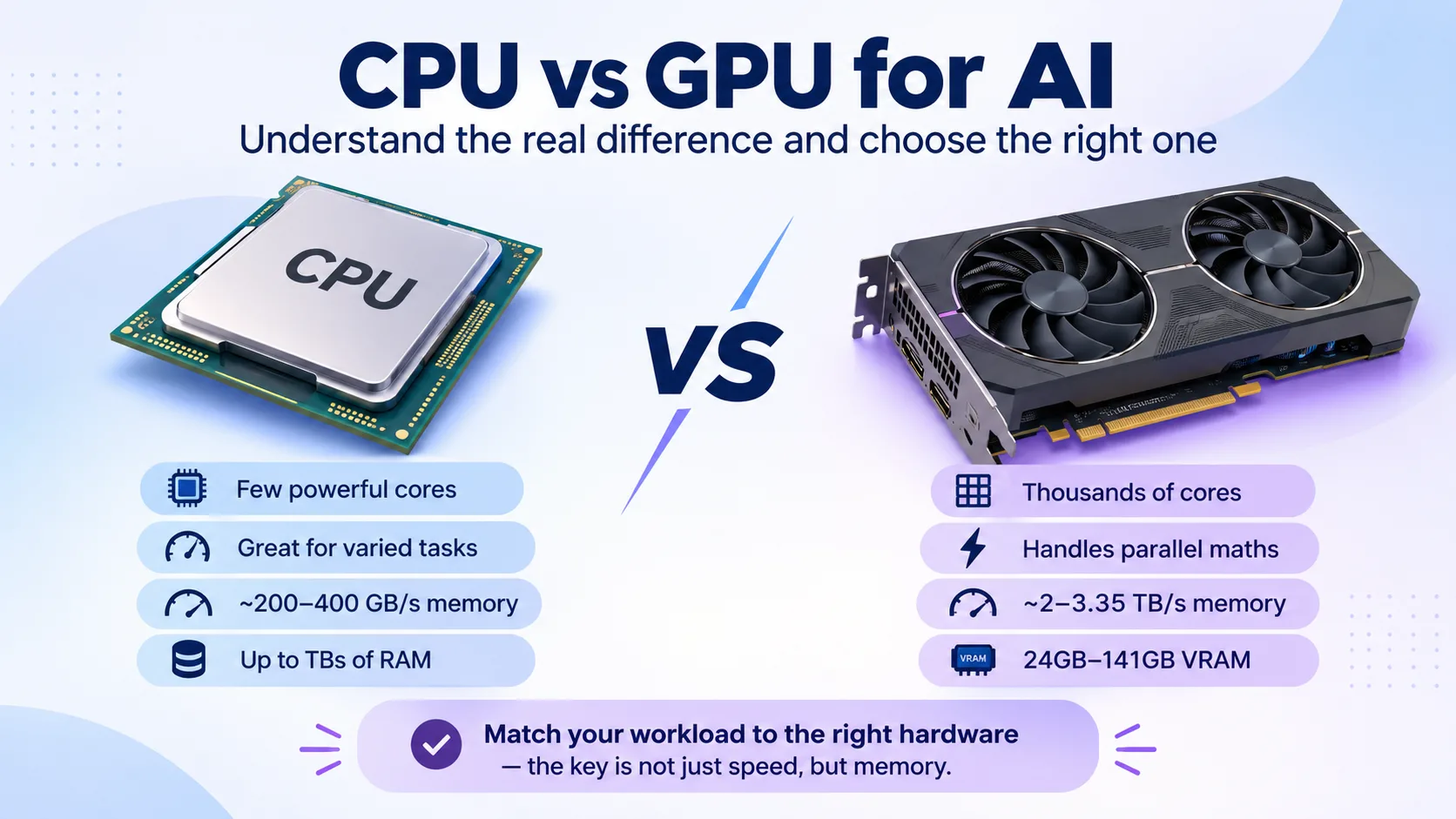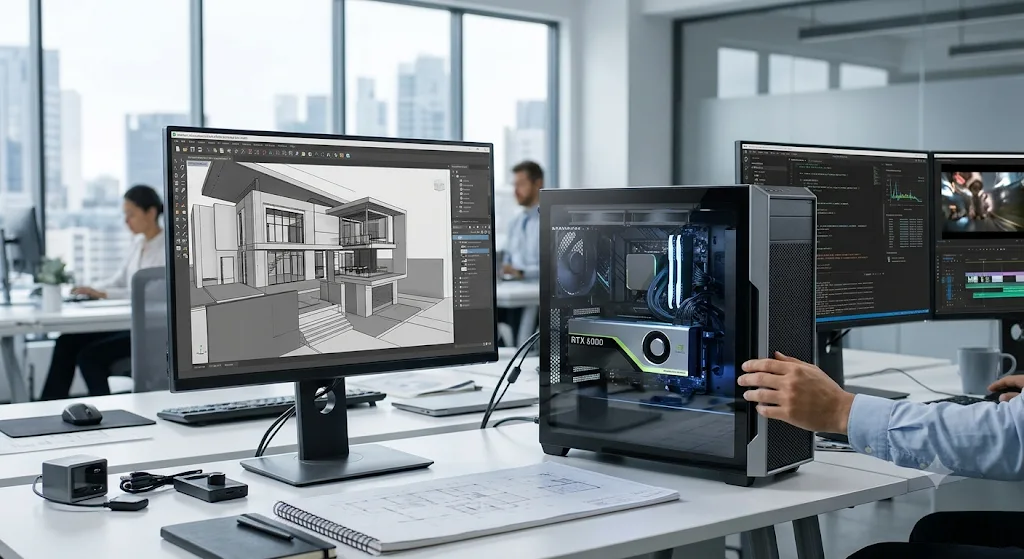
Modern businesses and creative professionals need powerful computing hardware to handle complex graphics, artificial intelligence, and data-intensive applications. Traditional graphics cards may struggle with demanding workloads that involve large datasets, detailed 3D models, and advanced AI processes. Professional GPUs are designed to address these requirements by providing high processing power, advanced memory technology, and specialised computing capabilities.
NVIDIA has introduced several advancements in professional GPU technology through its Blackwell architecture. These developments support applications across industries such as animation, engineering, scientific research, video production, and machine learning.
Understanding NVIDIA Blackwell Architecture
The NVIDIA Blackwell architecture is designed to support demanding professional computing tasks. It combines advanced Tensor Cores, Ray Tracing Cores, and improved memory technology to accelerate graphics and AI workloads.
One of its important developments is fifth-generation Tensor Cores, which support advanced AI operations and FP4 precision. These capabilities help developers work with AI models, improve inference performance, and manage complex computational tasks.
Fourth-generation Ray Tracing Cores also improve the rendering of realistic lighting, reflections, and shadows. This is particularly useful for professionals working in architectural visualisation, product design, animation, and visual effects.
Key Features of Professional NVIDIA GPUs
Modern professional GPUs offer several features that make them suitable for demanding applications.
1. High GPU Memory
Memory capacity plays an important role in professional computing. Larger memory allows users to work with complex 3D scenes, larger AI models, and extensive datasets. It can also reduce the need to divide workloads into smaller tasks.
2. Advanced AI Processing
Tensor Cores accelerate machine learning operations and support AI development. These capabilities are useful for model training, fine-tuning, inference, and generative AI applications.
3. Real-Time Ray Tracing
Ray tracing helps create realistic visual effects by simulating how light interacts with different surfaces. This technology supports professional rendering workflows and helps designers produce detailed visual content.
4. Faster Video Processing
Modern NVIDIA GPUs include dedicated encoding and decoding engines. These features help video professionals manage high-resolution footage, editing workflows, and content production more efficiently.
Why Are Professionals Considering the RTX 6000 Pro?
Choosing a professional graphics card requires evaluating memory capacity, processing performance, software compatibility, and workload requirements. The RTX 6000 Pro is designed for professionals who need powerful hardware for AI development, advanced rendering, scientific computing, and complex visualisation.
The NVIDIA RTX PRO 6000 Blackwell Workstation Edition features 96GB of GDDR7 memory with error-correcting code (ECC), providing substantial capacity for memory-intensive applications. It also includes fifth-generation Tensor Cores and fourth-generation Ray Tracing Cores.
With up to 4000 AI TOPS and 1792 GB/s memory bandwidth, the GPU is built to support demanding professional workflows. Its capabilities make it relevant for developers working with large language models, engineers running simulations, and creative teams producing high-quality visual content.
Applications Across Different Industries
Professional GPUs are useful in several industries where computing performance directly affects productivity.
Artificial Intelligence: AI developers can use GPU acceleration for model development, fine-tuning, inference, and experimentation. Larger GPU memory also helps accommodate more demanding workloads.
3D Rendering and Animation: Animation studios and design teams can process complex scenes, realistic textures, and advanced lighting effects. Ray tracing capabilities support detailed visual production.
Engineering and Architecture: Engineers can use GPU acceleration for simulations, product development, and visualisation. Architects can create detailed building models and realistic project presentations.
Video Production: Video editors and production teams can benefit from dedicated encoding and decoding hardware when working with high-resolution media and complex editing projects.
Scientific Research: Researchers can use GPU computing for data analysis, simulations, scientific modelling, and other computationally demanding activities.
Should You Buy a GPU or Use Cloud GPU Hosting?
Buying a professional GPU requires a significant initial investment. Organisations must also consider workstation compatibility, electricity consumption, cooling, maintenance, and hardware upgrades.
Cloud GPU hosting offers another approach. Instead of purchasing physical hardware, businesses can access GPU computing resources through cloud infrastructure. This can be useful for teams with changing workloads or projects that require powerful computing for limited periods.
Cloud infrastructure also allows organisations to scale resources according to project requirements without managing all the physical hardware themselves.
Conclusion
Professional GPU technology continues to support advancements in artificial intelligence, graphics, engineering, and scientific computing. NVIDIA Blackwell architecture brings improvements in memory capacity, AI processing, and ray tracing for demanding professional workloads.
Before selecting a GPU solution, businesses should evaluate their software requirements, memory needs, performance expectations, and budget. Whether using a dedicated workstation or cloud GPU infrastructure, choosing the right computing resources can help professionals manage complex projects and improve their development workflows.