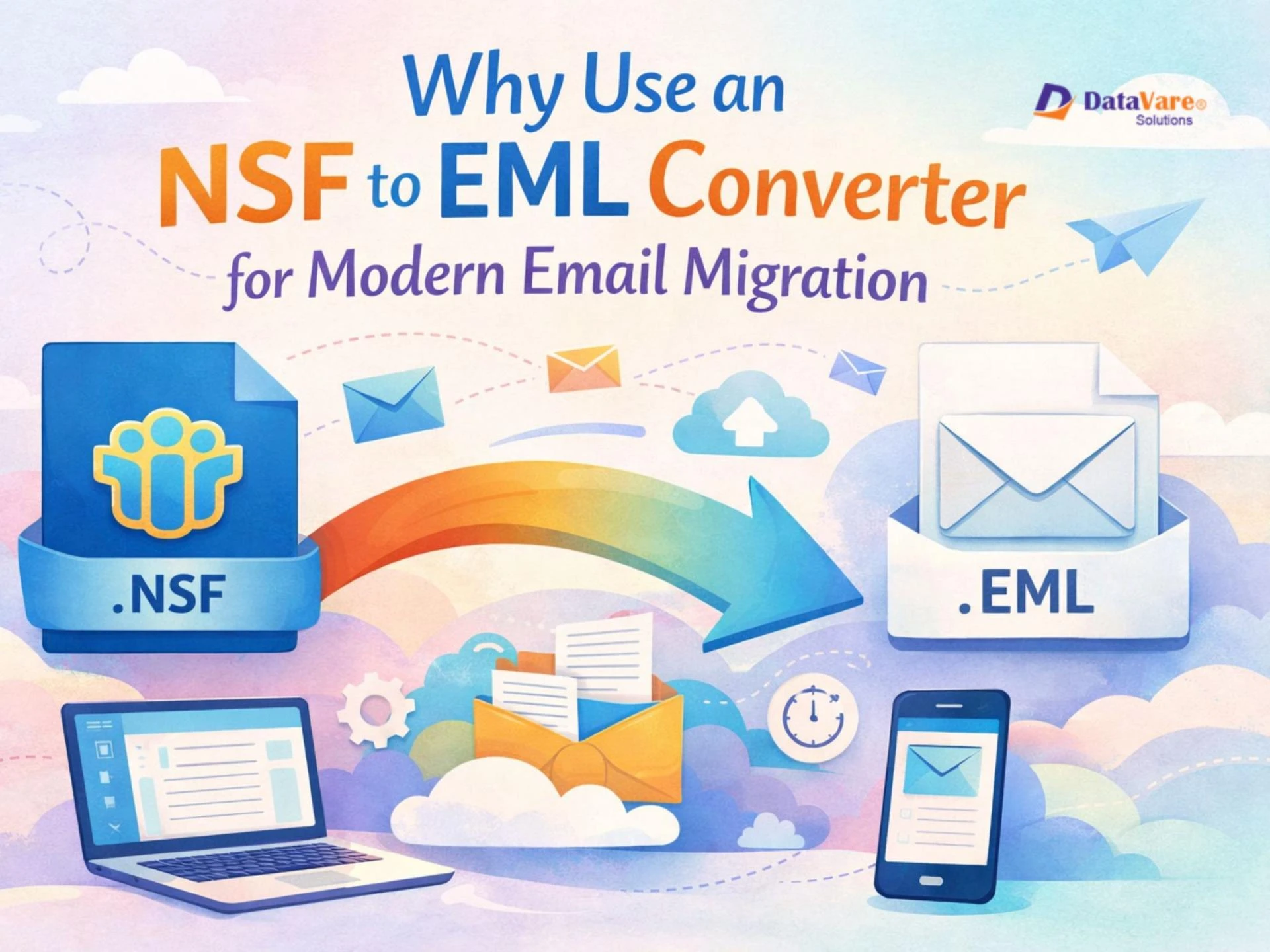
The evolution of email technology over the years got a lot of changes. Many businesses leaving IBM Lotus Notes, where they're now updating their email platforms to modern alternatives which include: Outlook, Office 365, Gmail, Thunderbird, or Apple Mail. Organizations and users alike will have to convert their old NSF files into a EML format supported by today's email applications.
One of the easiest ways to do this is by using an NSF to EML Converter. This blog will discuss what NSF and EML file formats are, why users convert NSF files, how a converter tool eases the transition process, why software works better than manual methods, and the significance of finding a reliable solution and more.
What are NSF and EML Files?
NSF (Notes Storage Facility) is the file format used by IBM Lotus Notes. This format stores emails, contacts, calendars, tasks, and other mailbox items into one database file. Because NSF files are proprietary they can only be opened using Lotus Notes or Domino Server.
EML, in contrast, is a basic and generally accepted type of email file format. Among the modern email clients capable of accommodating EML files are Outlook, Thunderbird, Apple Mail, and Windows Mail. In each, EML keeps every message separately, together with its related attachments, metadata, and intact formatting. EML is universal and can be accessed easily, thus it is a good option for email migration and archiving.
Why Do Users Convert NSF Files to EML?
There are several explanations why individuals and corporations convert from NSF to EML
1. Shift to New Email Clients
It has become outdated nowadays to use Lotus Notes, thus a lot of organizations will be moving toward cloud-based services or more user-friendly email applications. Considering that these modern platforms aren't built to use NSF files, users will have to convert the emails to a more compatible format.
2. Better Compatibility
Users can open EML files from several different applications and also across different operating systems, giving them more flexibility in ensuring accessibility to the emails.
3. Backup Easier and Store
Unlike these NSF files, which store everything in one big database, EML has a separate storing format for each email. Thus, backing up and retrieving specific emails is much easier.
4. eDiscovery and Legal Needs
These EML files mean email headers, addresses, and timestamps are preserved. Thus, they are great for legal reviews, compliance audits, and forensic investigations.
5. Long-Term Archiving
As EML is a simple text-based format, it can be stored for years without loss of readability or special software required.
How Software Helps in Modern Email Migration
It takes a lot of time, and it is not very easy to convert NSF files to EML manually, sometimes it's not possible without the right knowledge. A professional converter converts NSF to EML and saves a lot of effort as the entire process gets automated.
Here is how the software helps:
- Fast and efficient processing of even large NSF files
- Accurate conversion that maintains attachments and email formatting
- Batch conversion options for converting multiple files simultaneously
- Maintains metadata like dates, sender, receiver, and folder structure
- does not need Lotus Notes expertise and user-friendly for all types of users
For businesses converting to Outlook, Office 365, or Gmail, reliable converters will ensure seamless conversion and minimize downtime during the process.
Why Software Is Better Than Manual Methods
Manual methods usually include converting NSF files through complicated settings in Lotus Notes, or simply using an intermediate format like CSV to make everything easier. These methods have several drawbacks:
- These are time-consuming, and require some expertise
- Email formatting can break
- Attachments can not export properly
- Metadata can be lost
- You can't convert huge datasets at once
A professional, Lotus Notes to EML Converter prevents all such problems and makes sure that every email is converted safely and properly.
Introducing the Profesional Lotus Notes to EML Converter
The DataVare NSF to EML Converter Expert could be best of all if searching for a reliable, quick, and user-friendly solution. It is useful for personal individuals or large organizations in need of efficient data conversion. The software is not limited to certain versions of Lotus Notes but supports all Lotus Notes versions and converts NSF files to EML with utmost precision. Also, it maintains emails properties along with attachments during conversion in a folder structure. With a clear interface, even non-technical users can perform conversion without hassles. Be it Outlook, Thunderbird, or other email clients, This tool ensures a smooth and secure conversion experience.
ConclusionConverting from an old Lotus Notes to modern email platforms could be very challenging, but the right tool would definitely make it easier. Most reliable, converting NSF files into EML would be one of the surest guarantees that emails remain accessible, organized, and compatible with current popular mail clients. Instead of going through manual methods, a dedicated tool guarantees accuracy, saves time, and avoids data loss.
A professional tool simplifies all this process into a seamless experience for converting both users as well as businesses.
FAQs
1. Can I open EML files without using specialized software?
Yes. Many email clients including Outlook, Thunderbird, Apple Mail, and Windows Mail, support EML files.
2. Will the folder structure be kept after the conversion?
A solid NSF to EML converter maintains folders, subfolders and metadata.
3. Can I convert only specific emails rather than the entire NSF file?
Yes several tools support selective conversion using folders or filters.
4. Is it okay to use third party conversion software?
Yes if you use a reliable program your data will remain safe and secure.
5. How long does the conversion take?
The time depends on the size of the NSF file. However a reliable converter tool speeds up the process when compared to manual techniques.