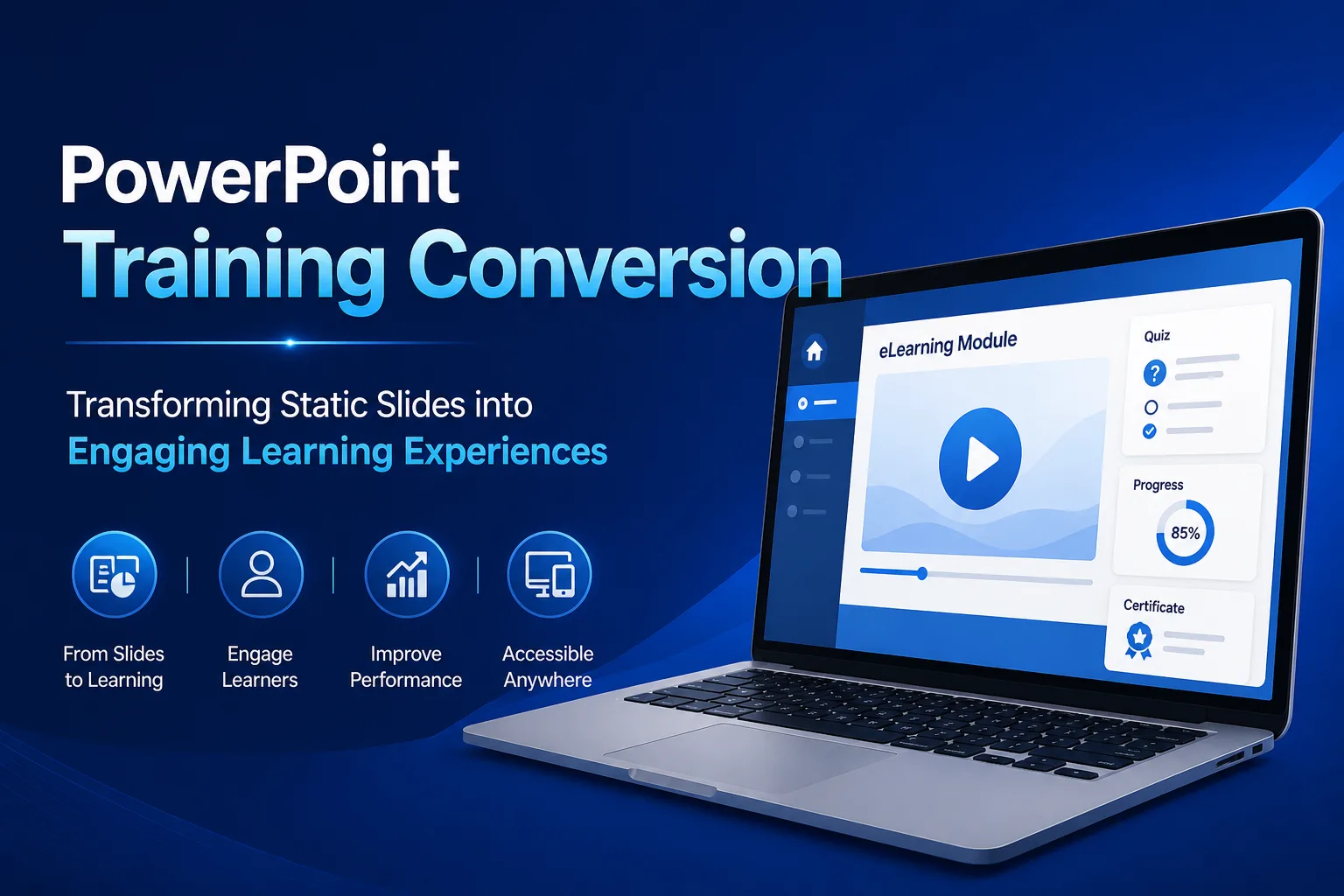
Most organizations don’t realize their training problem starts with PowerPoint. What looks like a well-prepared presentation often turns into a passive, forgettable learning experience when shared without an instructor. This gap between content and actual learning outcomes is exactly where PowerPoint training conversion makes a measurable difference. Businesses exploring structured approaches—similar to those followed by leading PowerPoint to eLearning conversion companies—are now transforming static slides into interactive, trackable, and scalable learning solutions.
Traditional presentations are designed for delivery, not for independent learning. When used as standalone training, they lack engagement, structure, and performance tracking—leading to low retention and inconsistent results.
Why PowerPoint-Based Training Falls Short
PowerPoint remains widely used for creating training content, but its limitations become evident when organizations try to scale learning.
Key challenges include:
- Limited interactivity and learner engagement
- No built-in assessment or analytics
- Inconsistent delivery across teams
- Lack of LMS compatibility
Without proper conversion, these presentations struggle to deliver measurable results.
What Is PowerPoint Training Conversion?
PowerPoint training conversion is the process of transforming static presentations into interactive eLearning modules. This involves applying instructional design principles, enhancing content with multimedia, and ensuring compatibility with standards such as SCORM or xAPI.
The goal is not just to digitize content but to redesign it for effective learning.
Key Elements of Effective Conversion
A successful conversion process requires more than a technical upgrade. It involves aligning content with learning objectives and user experience.
1. Instructional Design Integration
Content is restructured using frameworks like ADDIE and Bloom’s Taxonomy to improve retention and clarity.
2. Interactive Learning Experience
Static slides are enhanced with:
- Scenario-based learning
- Quizzes and knowledge checks
- Visual storytelling elements
3. LMS Compatibility
Courses are packaged for seamless integration with Learning Management Systems, enabling tracking and reporting.
4. Mobile Accessibility
Content is optimized for multiple devices, allowing learners to access training anytime, anywhere.
Benefits for Organizations
Organizations that adopt structured PowerPoint conversion strategies experience:
- Higher learner engagement
- Improved knowledge retention
- Faster training deployment
- Consistent learning experiences
- Better performance tracking
These benefits make conversion a cost-effective way to modernize existing training content.
When Should You Consider Conversion?
PowerPoint conversion becomes valuable when:
- Training relies heavily on slide decks
- Instructor-led sessions need digital transformation
- Learning must scale across locations
- Compliance tracking is required
In these scenarios, converting presentations into eLearning modules significantly improves outcomes.
Choosing the Right Approach
Not all conversion strategies are equally effective. Some focus only on visual improvements, while others prioritize learning impact.
An effective approach balances:
- Content structure
- Interactivity
- Technical compatibility
- Scalability
This ensures the final output supports both learner engagement and business objectives.
Conclusion
PowerPoint remains a useful starting point for training, but it is not enough for modern learning needs. Through structured PowerPoint training conversion, organizations can transform static content into dynamic, scalable, and measurable learning experiences.
As digital learning continues to evolve, investing in the right conversion strategy enables organizations to deliver training that is both effective and future-ready.