In today’s fast-paced, content-driven world, the demand for dynamic and large-scale visual displays is higher than ever. Whether in a control room, corporate lobby, or public venue, a video wall processor plays a vital role in delivering high-resolution visuals across multiple screens. If you’re planning to deploy a video wall solution, understanding how a processor works—and why it matters—is essential.
What is a Video Wall Processor?
A video wall processor, also known as a video wall controller, is a hardware or software system that manages the distribution of video content across multiple displays in a video wall setup. It takes one or more video input sources and intelligently splits, scales, and positions the content so it appears seamlessly across the connected screens.
Unlike basic splitters, a video wall processor provides advanced control over layout, resolution, and content synchronization, making it ideal for professional environments that require precision and flexibility.
Types of Video Wall Processors
Video wall processors come in several types to match different display needs:
- Hardware-based: High-performance, low-latency. Ideal for control rooms and real-time monitoring.
- Software-based: PC-based and flexible. Best for signage or general presentations.
- Modular: Scalable with input/output cards. Great for growing systems like 4×4 or 8×8 walls.
- All-in-one: Combine switching, scaling, and control in one unit.
They support various display types—LCD, LED, projection cubes, or transparent screens—and layouts, from standard grids to creative shapes. The right video wall controller ensures smooth visuals and easy control.
How Does a Video Wall Processor Work?
To make a video wall function properly, you need both a processor and a control system that can manage communication with the displays. These systems handle the routing of video signals, ensuring that each screen shows the right content at the right resolution.
At its simplest, a video wall processor sends a single video signal to a single screen—meaning each display can show different content. But more advanced setups allow a single image to stretch across multiple screens, or even combine content from several sources into one unified display. The more complex your visual layout, the more powerful your processor and control system need to be.
Benefits of Using a Video Wall Processor
A video wall processor enables you to split a single video source across multiple displays, creating a large, seamless viewing experience. It’s an ideal choice for impactful digital signage and immersive environments. Key benefits include:
- Flexible Layouts: Supports 2×2, 1×4, and custom grid arrangements to suit various scenarios.
- Simple Control: Easily manage your setup via front panel buttons or a user-friendly web UI.
- Bezel Correction: Eliminates screen border gaps for cleaner, more professional visuals.
- Independent Scaling: Ensures consistent image quality across all connected displays.
For example, the AV Access 4KVW14 4K Video Wall Processor supports ultra-clear 4K@60Hz input and advanced bezel correction, making it perfect for retail stores, shopping malls, and control rooms. Need a larger setup? The AV Access 4KVW24 allows cascading up to 24 screens—ideal for exhibition halls and expansive digital signage walls.
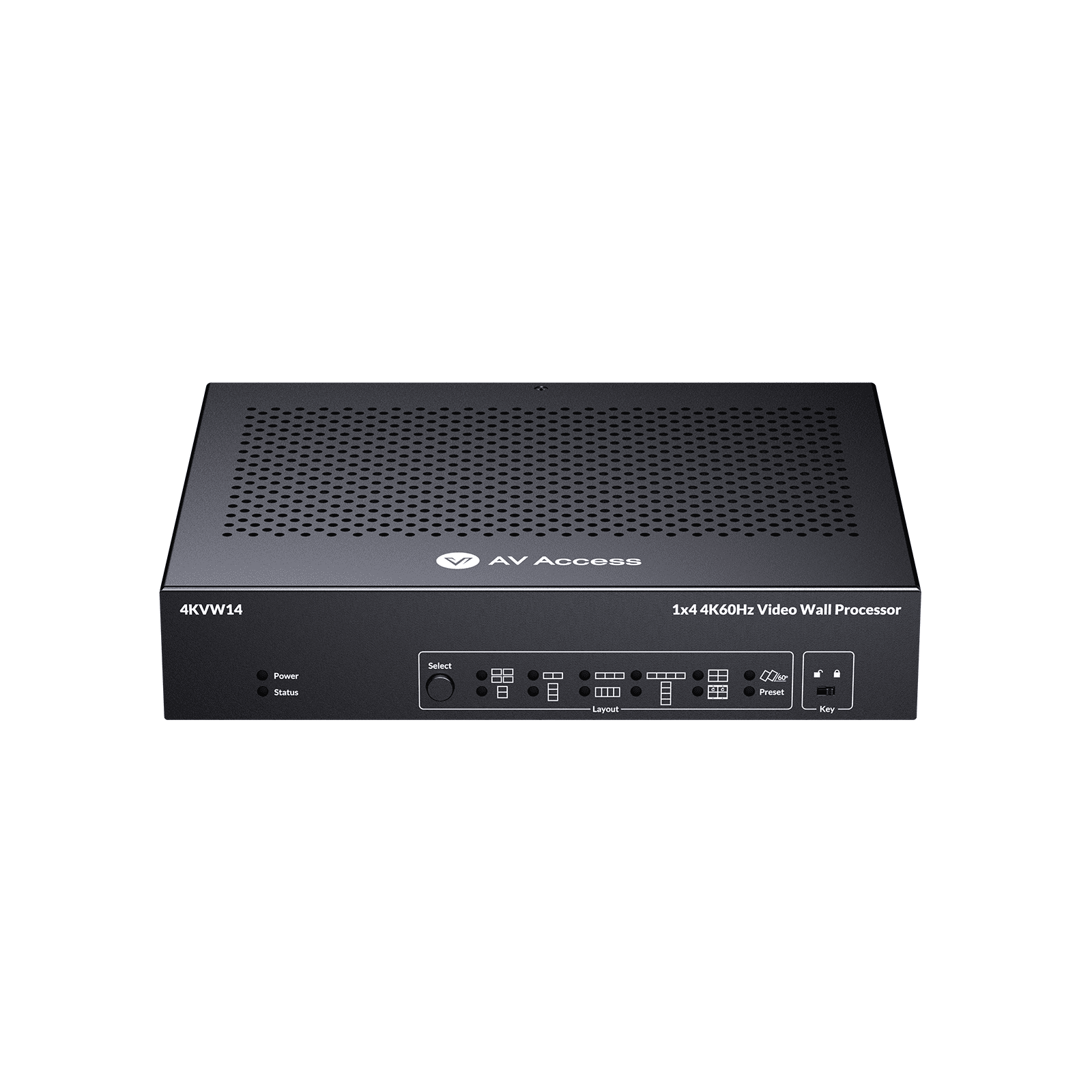
For flexible 2×2 or 1×4 video walls
√ Supports 4K@60Hz UHD
√ Bezel correction & auto scaling
√ Web UI & button control
Applications of Video Wall Processors
Video wall processors are essential for delivering impactful visual experiences across various professional environments. Common applications include:
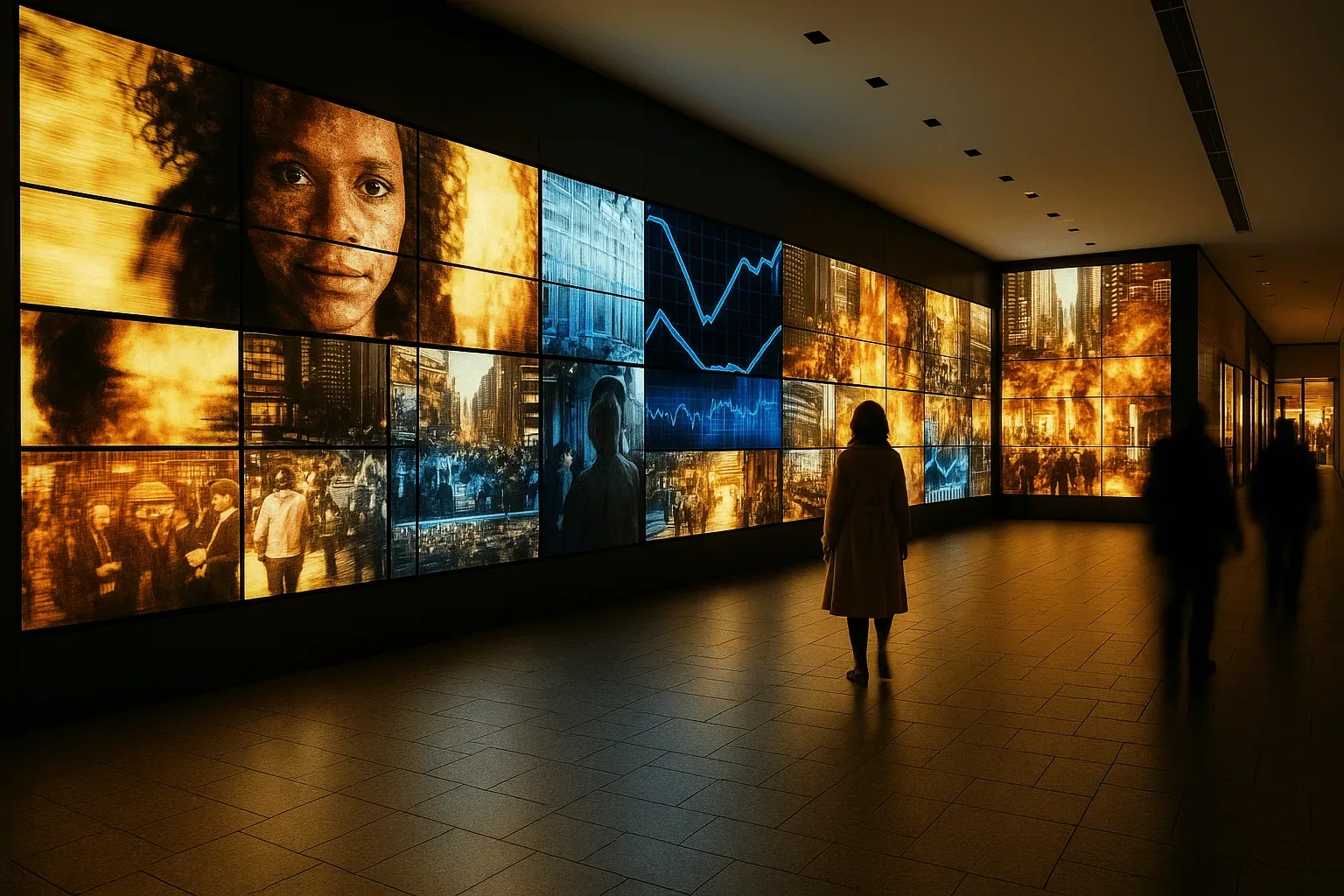
- Shopping Malls: Run full-wall advertisements that captivate passersby with vivid, synchronized content.
- Trade Shows: Create eye-catching, custom layouts that instantly draw attention to your booth.
- Corporate Spaces: Display real-time dashboards, KPIs, or video conferencing feeds in lobbies or meeting rooms.
- Control Rooms: Monitor multiple video sources simultaneously for faster decision-making and better situational awareness.
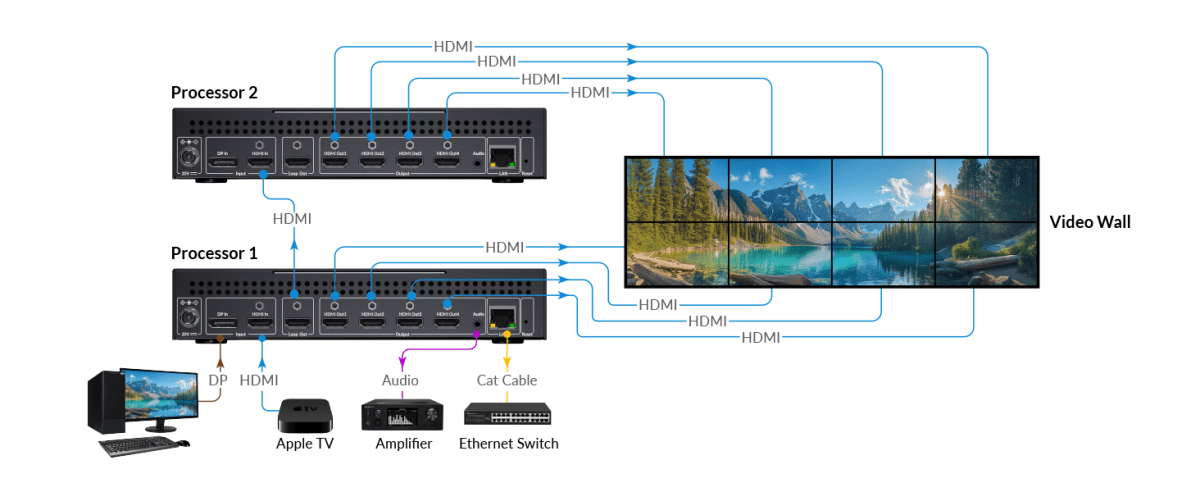
The AV Access 4KVW14 4K Video Wall Processor is ideal for compact configurations like 2×2 or 1×4, offering plug-and-play simplicity and ultra-clear 4K@60Hz visuals. For more demanding environments, the AV Access 4KVW24 supports HDMI and DisplayPort inputs (one active at a time), advanced rotation, and cascading up to 24 screens in a 4×6 layout—perfect for immersive exhibitions or mission-critical control centers.
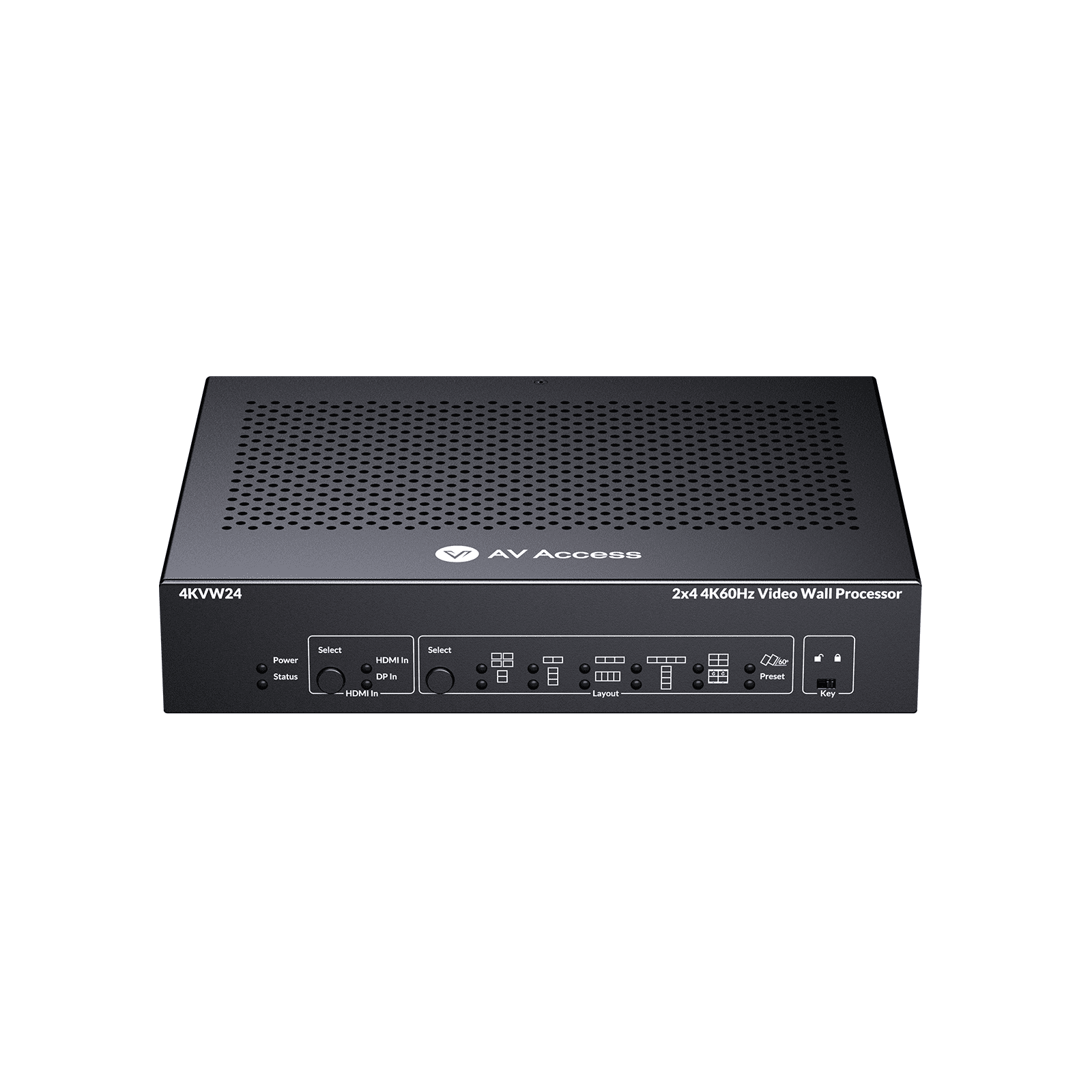
For flexible 2×4 video walls
√ HDMI & DisplayPort input
√ Bezel correction & rotation
√ Cascades up to 4×6
Choosing the Right Video Wall Processor
The ideal video wall processor depends on the scale and complexity of your setup. For smaller configurations like 2×2 or 1×4, a straightforward, plug-and-play processor with 4K support often gets the job done efficiently. These are great for retail spaces or corporate lobbies where ease of use and quick deployment are key.
Larger installations—such as 4×6 displays used in exhibitions or control rooms—typically require more advanced processors. Look for features like multiple input types (HDMI, DisplayPort), bezel correction, flexible layout control, and cascading capability to ensure a seamless viewing experience.
No matter the size of your project, choosing a processor that matches your input sources, layout goals, and control preferences is essential for building a reliable and visually impressive video wall.
Conclusion
A reliable video wall processor transforms a group of screens into a seamless, high-impact visual platform. Whether you’re enhancing in-store promotions, impressing trade show visitors, or streamlining corporate monitoring, choosing the right processor ensures smooth operation and stunning results.
AV Access offers powerful yet user-friendly options—designed to meet different project sizes, budgets, and performance needs. Ready to build your next video wall? Start with a processor that brings your vision to life.